
🤓 The 2026 Local Search Ranking Factors are here!! Check out the report!

Google is becoming more visual. From image search, to photo and video carousels taking over the result pages, visuals are becoming more and more important for Google Search.
This is why taking care of the Photos section on your Google Business Profile is one of the easiest ways to get more visibility and conversions in Google’s local results. No photos, no appeal.
Below are the best practices when it comes to optimizing your Google Business Profile’s Photos section.
There are two reasons:
According to Google, businesses with photos get 42% more requests for directions and 35% more website URL clicks.
And, according to the Local Search Ranking Factors, GBP Photos are a solid conversion factor.
Google sees keywords in your images. They classify and analyze the images on your Google Business Profile and website with their Vision AI software to better understand what your business does.
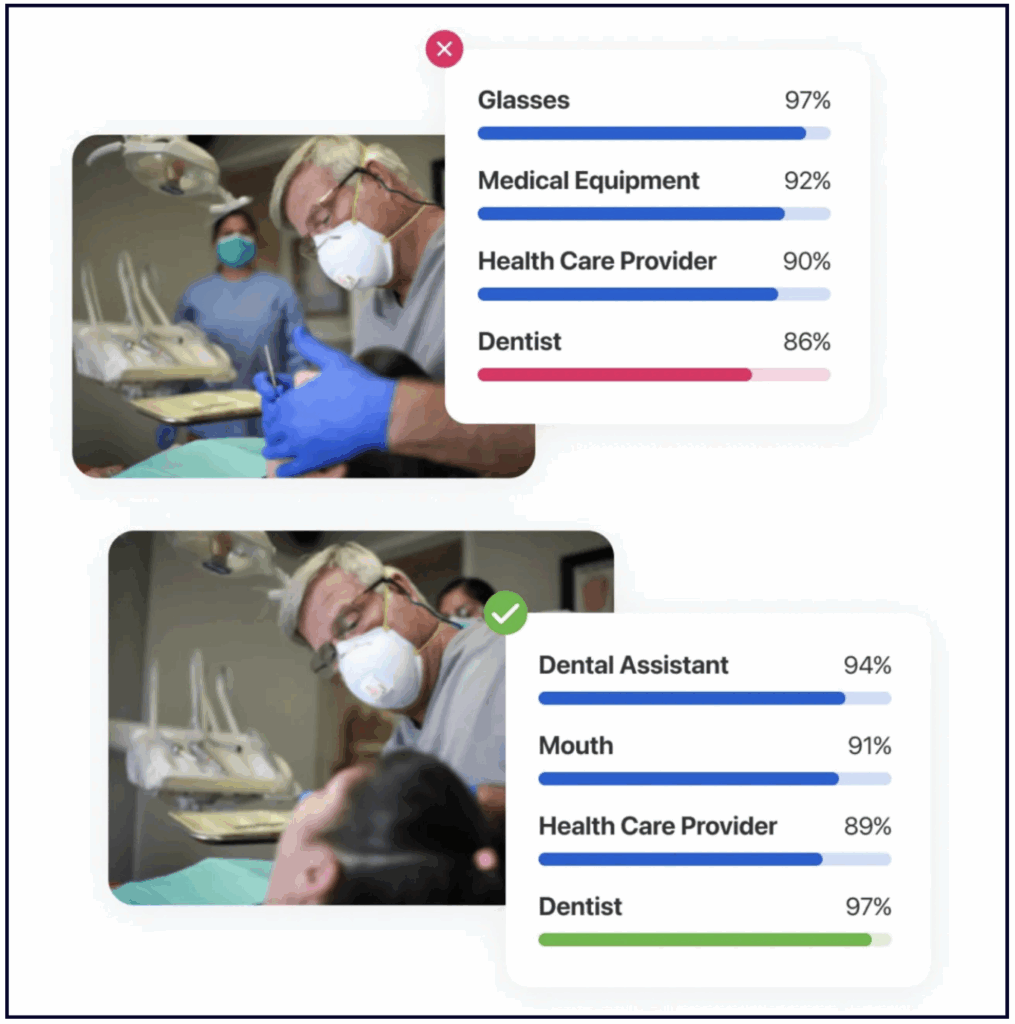
As you can see in the image below, with minor position and focus adjustments, Google can go from seeing the image as “glasses” and “medical equipment” to “dentist” and “dental assistant.”
Google also confirms images’ role in rankings and conversions in their official documentation.
✍️ Takeaway: Run your photos through Vision AI before uploading them to your GBP or website. This will ensure that Google associates the best terms with your images and give you an SEO benefit that most of your competition isn’t even aware of.
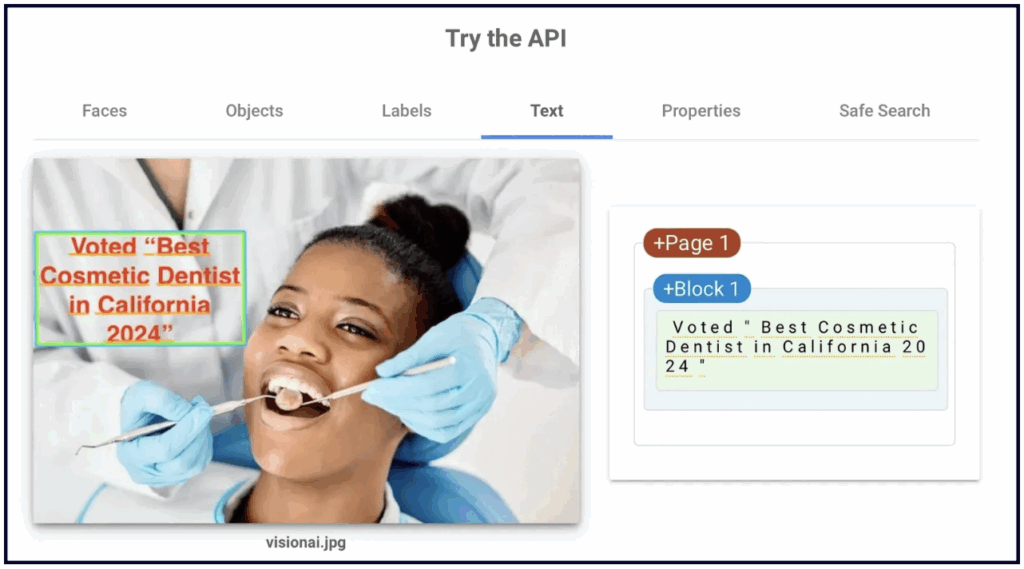
💡You can also add text to the image itself (not the file name or metadata), as we know that Vision AI can read the text on the photos, too.
There are several places on your Google Business Profile where you and your clients can add photos. We’ll go through all of them, and we encourage you make use of each one.
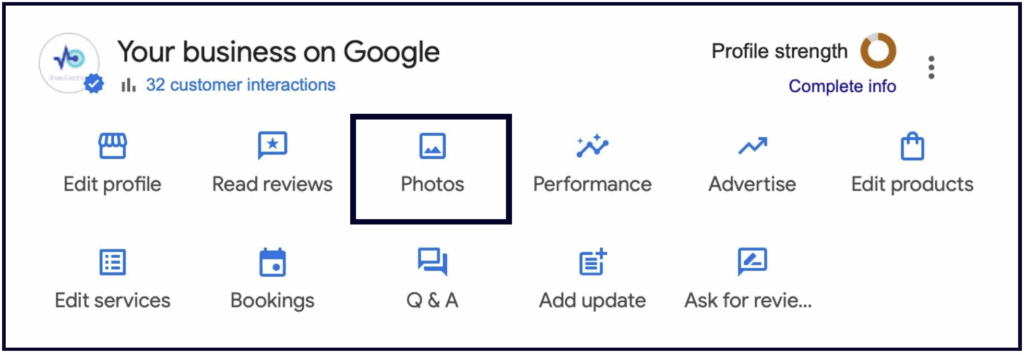
Owners can upload photos to their Profiles by going to the NMX and clicking the Photos button:
Below is a list of ideas to help you populate your Photos section.
‼️ Important note: Do not use stock photos on your Google Business Profile.
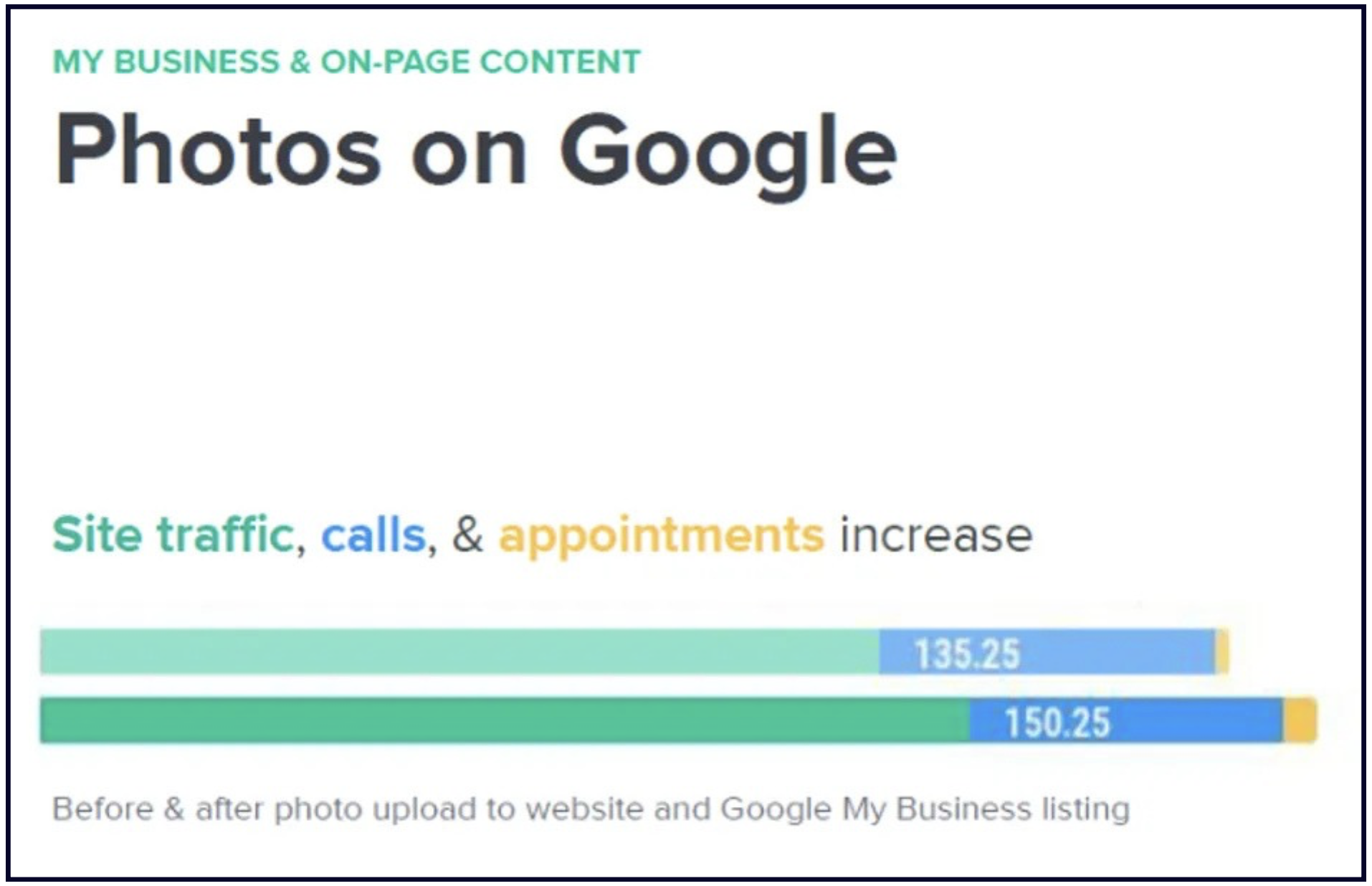
When the dentist business above replaced the stock images on their Google Business Profile and website with original, relevant, thoughtful, and high quality images, they saw an increase in website traffic, calls, and appointments:
1. Brand identity images
People like familiar brands. Even if your brand is not yet recognizable, your Google Business Profile is the perfect place to start building that brand identity.
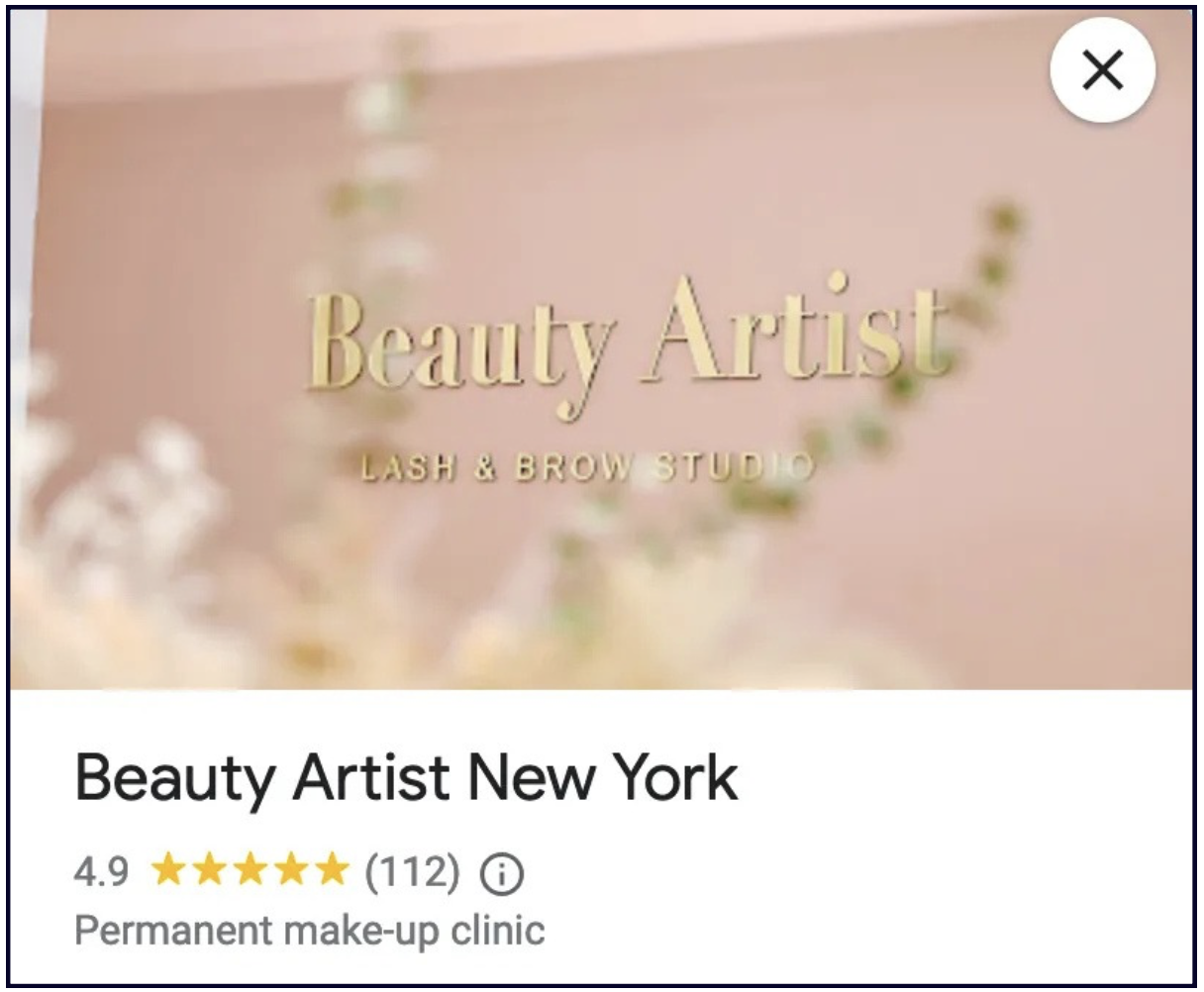
Make your business stand out by using a strong cover image that represents your brand.
2. Exterior shots
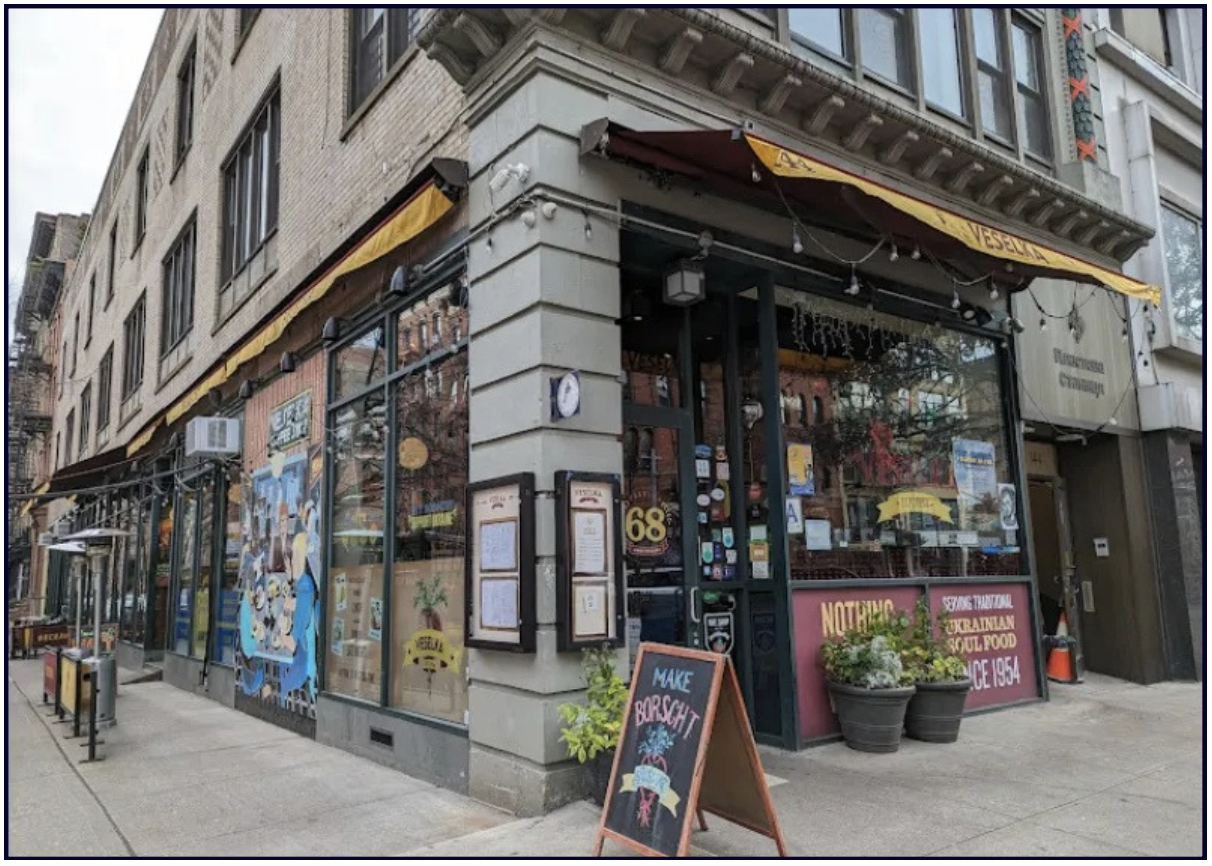
Include some photos of your storefront, signage, parking, and any important views or angles that might be useful to your potential customers.
3. Interior shots
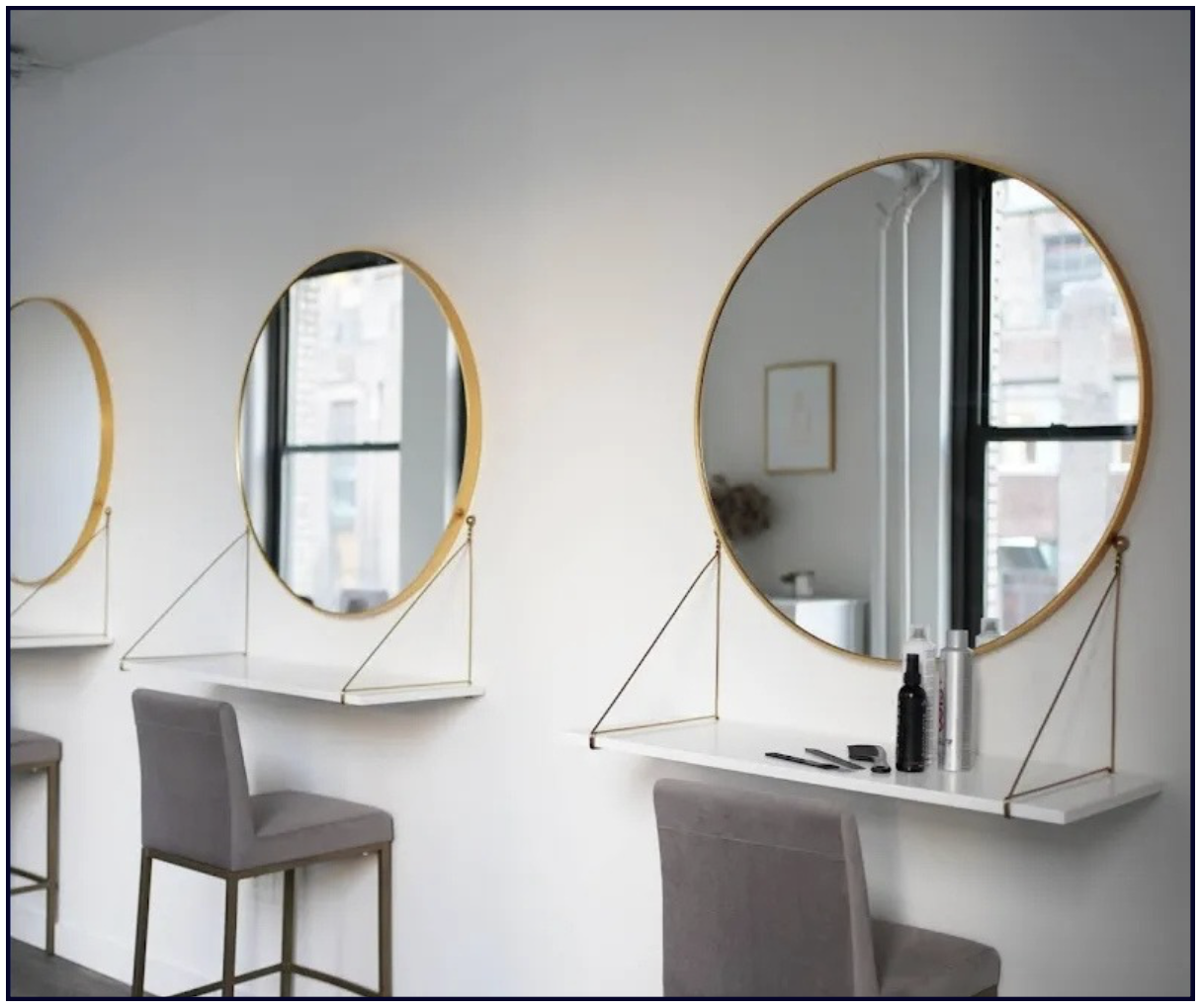
Include pics of the reception/waiting areas and any key spots inside the business. Make sure these photos look professional and inviting.
You can also add a virtual 360 tour of your entire space, which can help drive engagement and conversions.
4. Team photos
They say that people don’t buy from companies, they buy from people. Searchers want to see the faces behind the company.
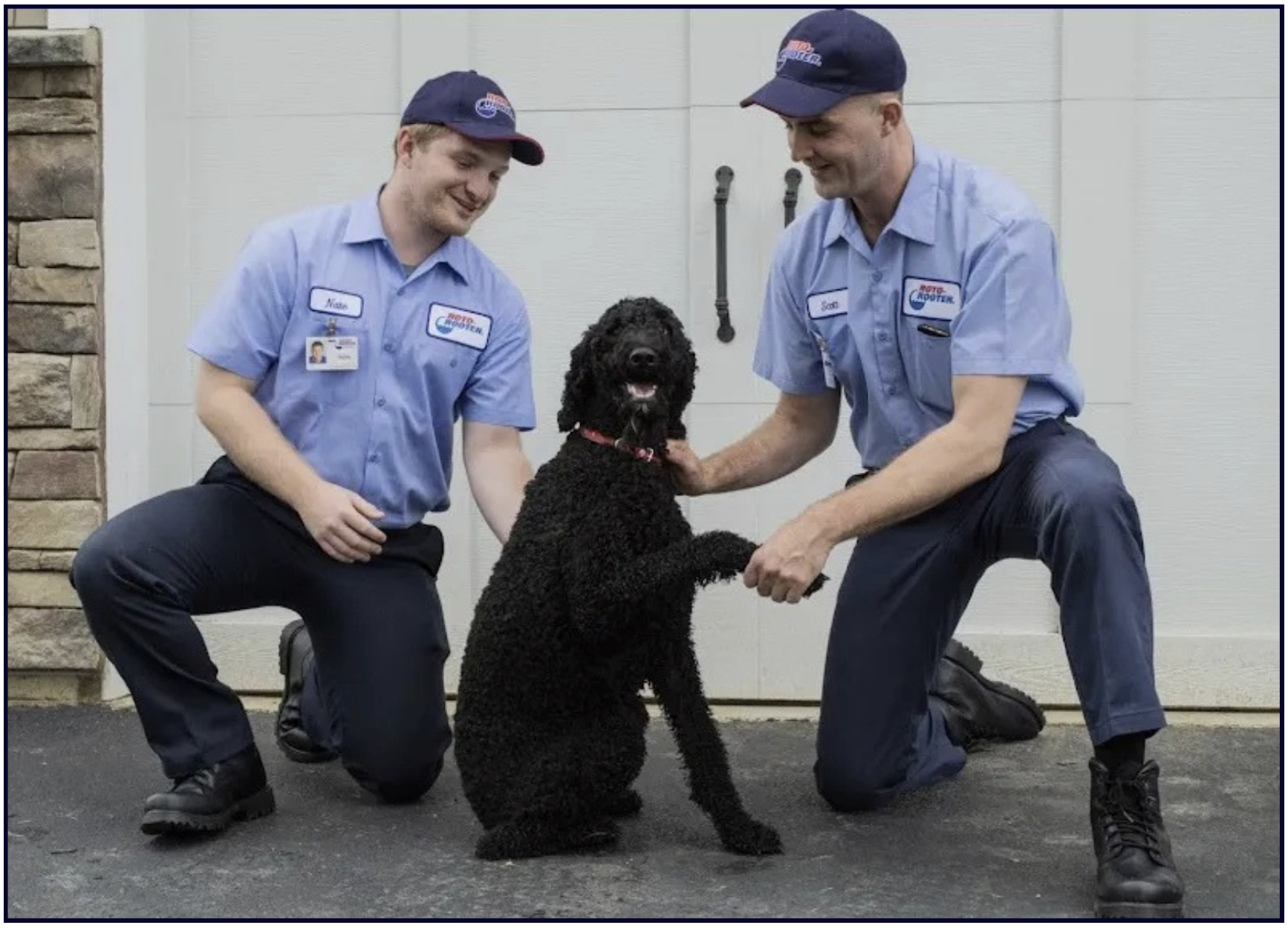
A group photo of the team or some action shots of them working is a great way to show your customers what kind of company you are.
5. Services/Products
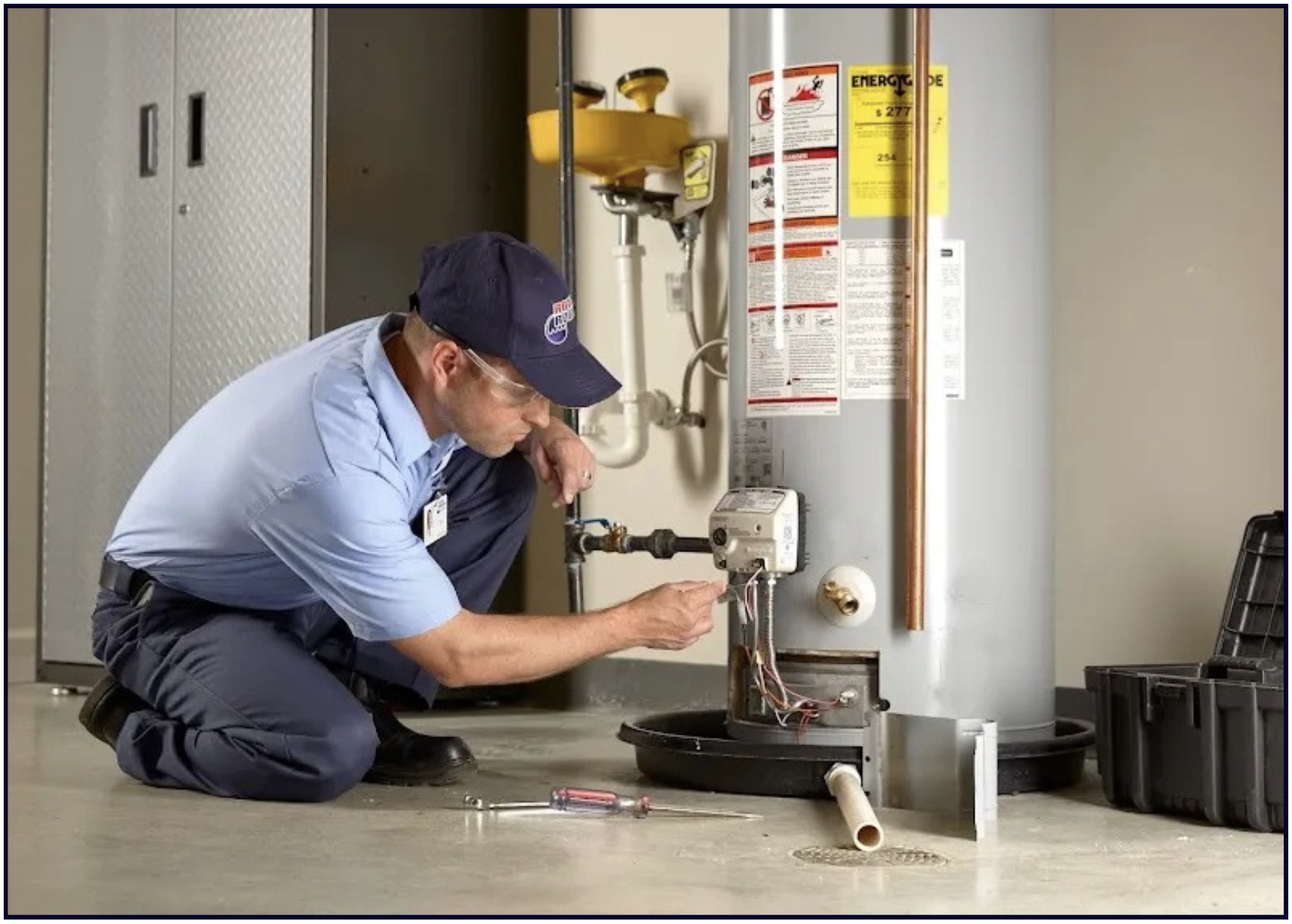
Demonstrate your service expertise through your photos, and showcase the products that you offer. Make it look good.

6. Rave reviews
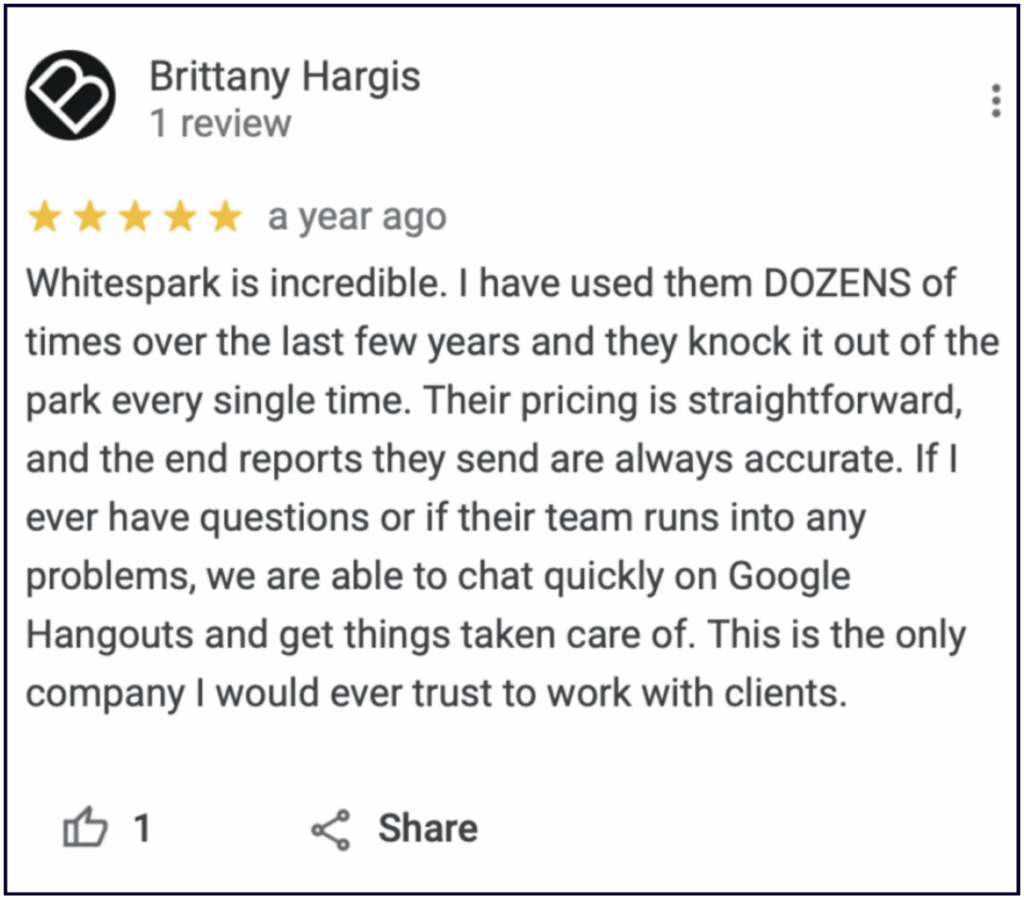
Take screenshots of your best reviews and upload them to the Photos section. This can give visibility to your older glowing reviews, and can keep driving conversions.
7. Client wins and awards
Did you do an exceptional job for that one client? Did your team win an award in your industry?
Post a photo about it!

✍️ Note: Geotagging photos does not improve or impact your rankings. Stuffing keywords and spamming your images EXIF data will not help you rank better because Google wipes that data when you upload your images.
The value of a virtual tour will depend on the type of business you operate. If you’re a service area business (SAB), it’s going to be 0 (you won’t even have the option in your dashboard), but if you’re a restaurant, hotel, beauty salon, spa, or any business where being clean, cool, trendy, etc. is important, then investing in a virtual tour could help convert searchers to customers.
When you have an interactive tour, here’s how it will appear in Maps for searchers:
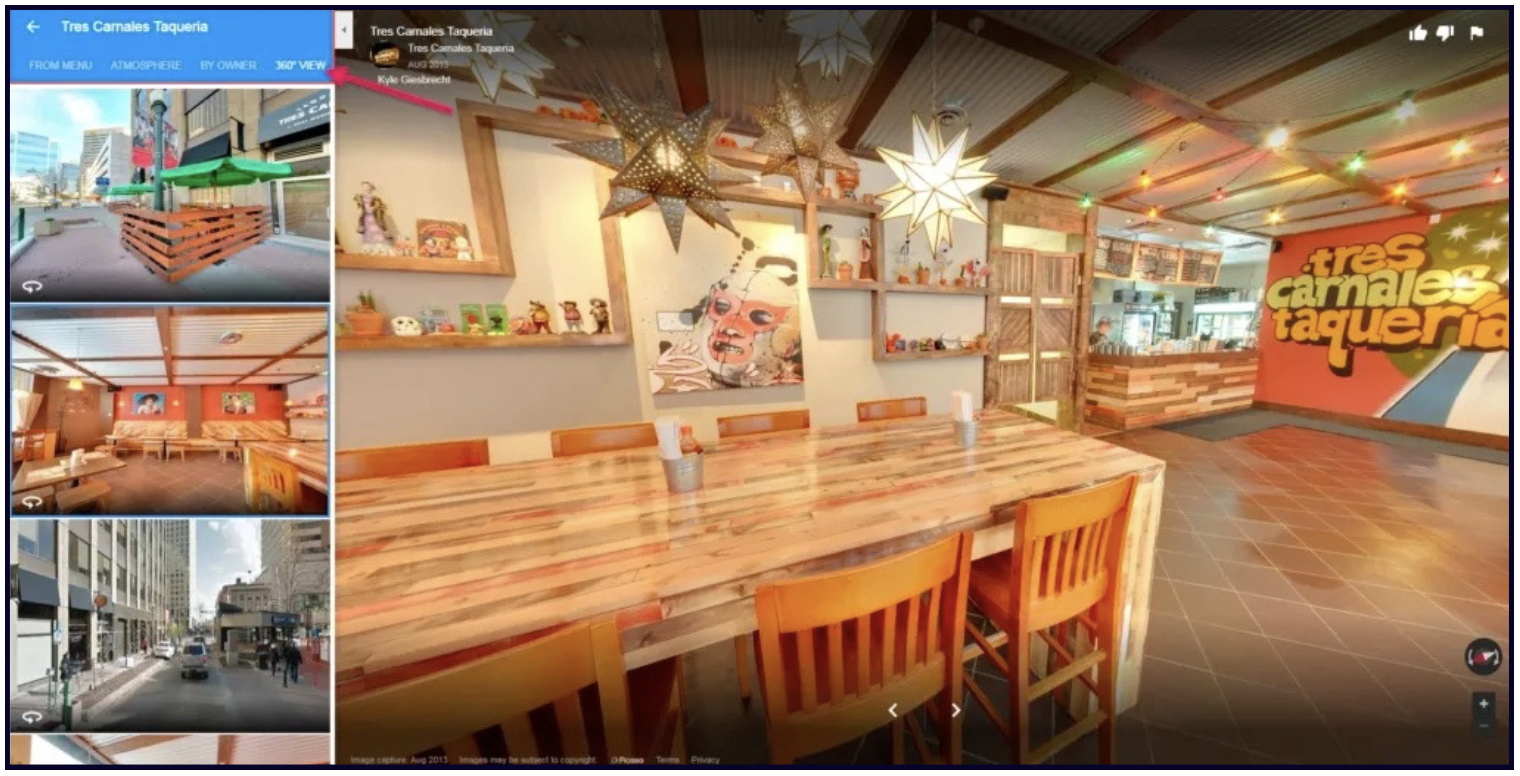
Learn more about this feature here, and if you want this for your listing, you can contribute your own content like this.
Google doesn’t just want to see photos posted by the business. They want to see what your customers are seeing.
This is why Google allows anyone to upload photos to several places on your Profile as well. Here they are:
Customers can upload photos to your Photos section. This is an awesome feature because once you upload the 7 essential types of photos we listed above, visitors can basically enhance your Photos section for you.
You can verbally encourage customers to upload photos to your GBP, or you can make your business more photo-worthy to increase the number of customer-uploaded photos to your Profile.
In the Google Maps App Customers are prompted to “show others what it’s like there now” by adding a photo update and caption.
If a customer adds a photo here, it will show up in the photos section of the business profile, as well as in the Updates section in the Maps app and Desktop Maps.
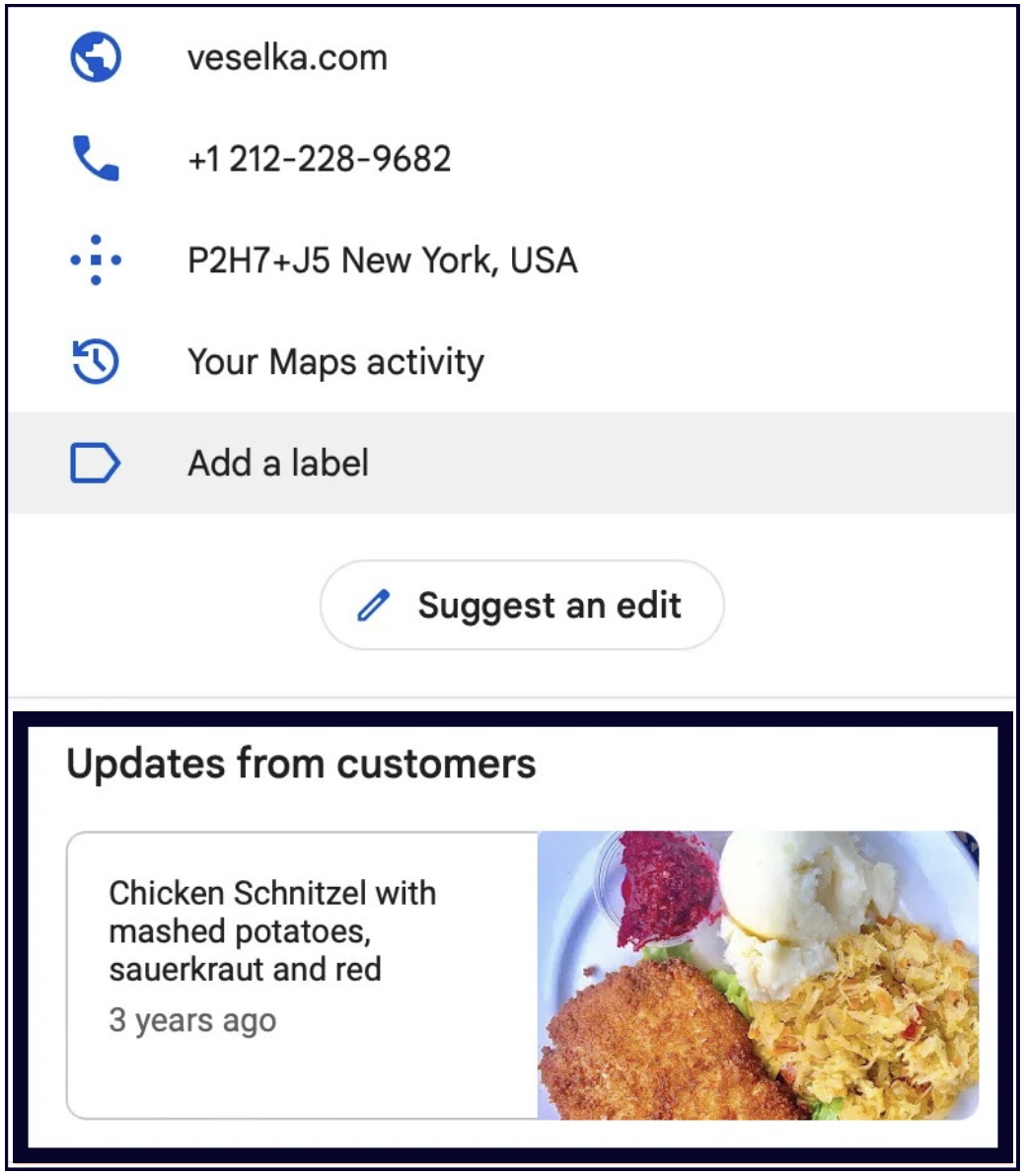
These photo updates don’t expire. If a customer has added a photo update to your profile then it will remain in the “Updates from customers” until it’s replaced by a newer update.
This feature can be very powerful when high quality or visually appealing photos are used, so encourage your customers to leave you an update.
A with all crowd-sourced features, customers can sometimes upload unflattering photos in the “Updates from customers” section, so make sure to consistently monitor your Google Business Profile.
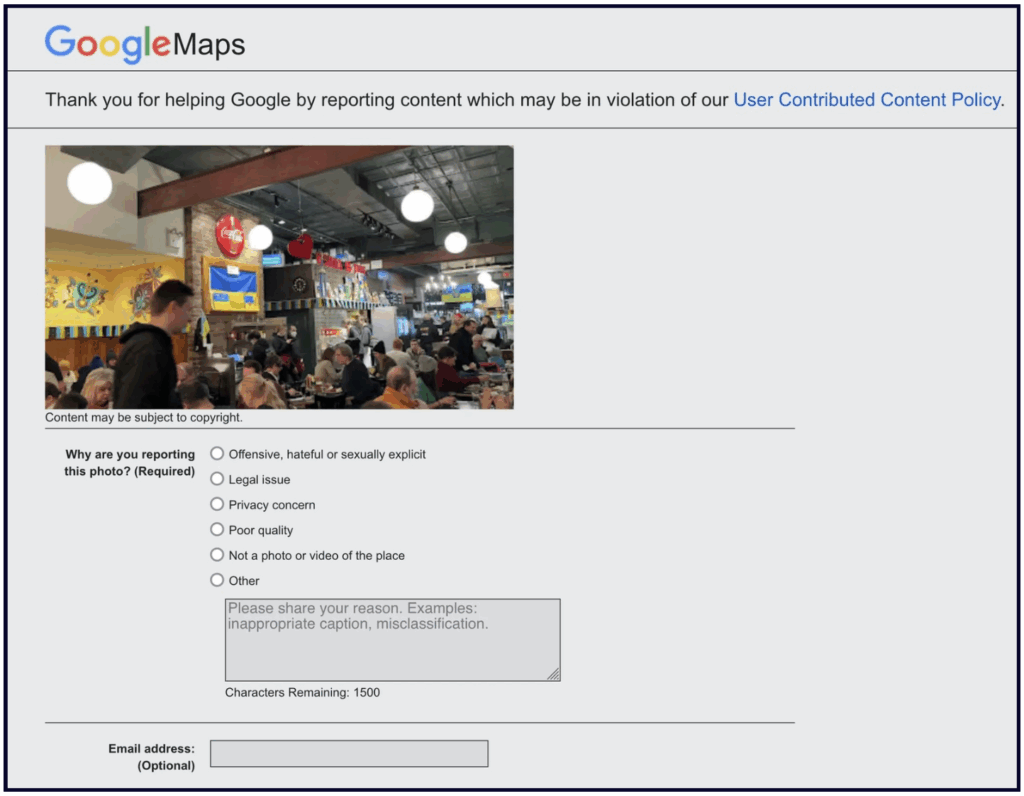
If someone uploaded bad photos to your Profile, you can flag them as inappropriate and report them.
Google also prompts customers to add photos when leaving a review (both desktop and in Maps). Photos uploaded with reviews will also show up in the “Photos” section.
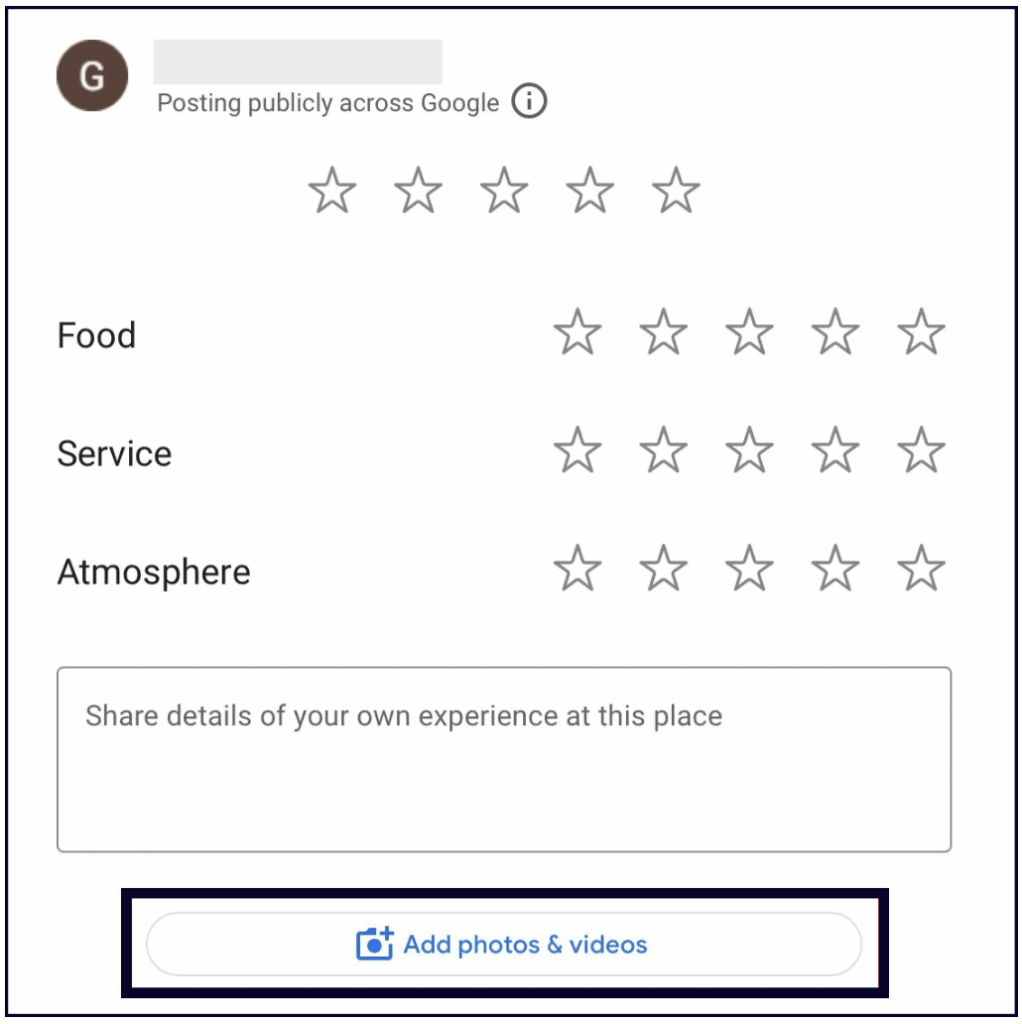
Photos in reviews serve as proof that 1) the review is legit, and 2) the business is real and represents itself accurately online.
Research by Sterling Sky also shows that reviews that contain photos stay at the top of the review section 10 times longer than reviews without photos. So, encourage your customers to upload photos with their reviews.
Businesses and users have been able to upload videos to GBPs since 2018, yet they still seem to have a low adoption rate among business owners.
This feature seems to be more popular with visitors, especially when it comes to local attractions like farmer’s markets, buildings, museums, etc.
According to Google’s current video guidelines, your GBP videos need to be:
However, our research shows that you can exceed the 30-second limit as long as your video stays under 75 MB.
When we say videos, don’t imagine an expertly short and produced short films on your GBP. Of course, if you have the time and resources to do that, go for it, but it doesn’t have to be that complicated.
You can record short videos with your phone that capture the atmosphere of your space or show the interactions between your staff and your customers. You can even use Canva to create photo slideshows with some background music. Just don’t use stock videos.
Check out Example 1, Example 2, and Example 3. Uploads from customers will be marked with their user name.
If 2 or more videos are added to the Profile, a Videos tab will show up within the Photos section.
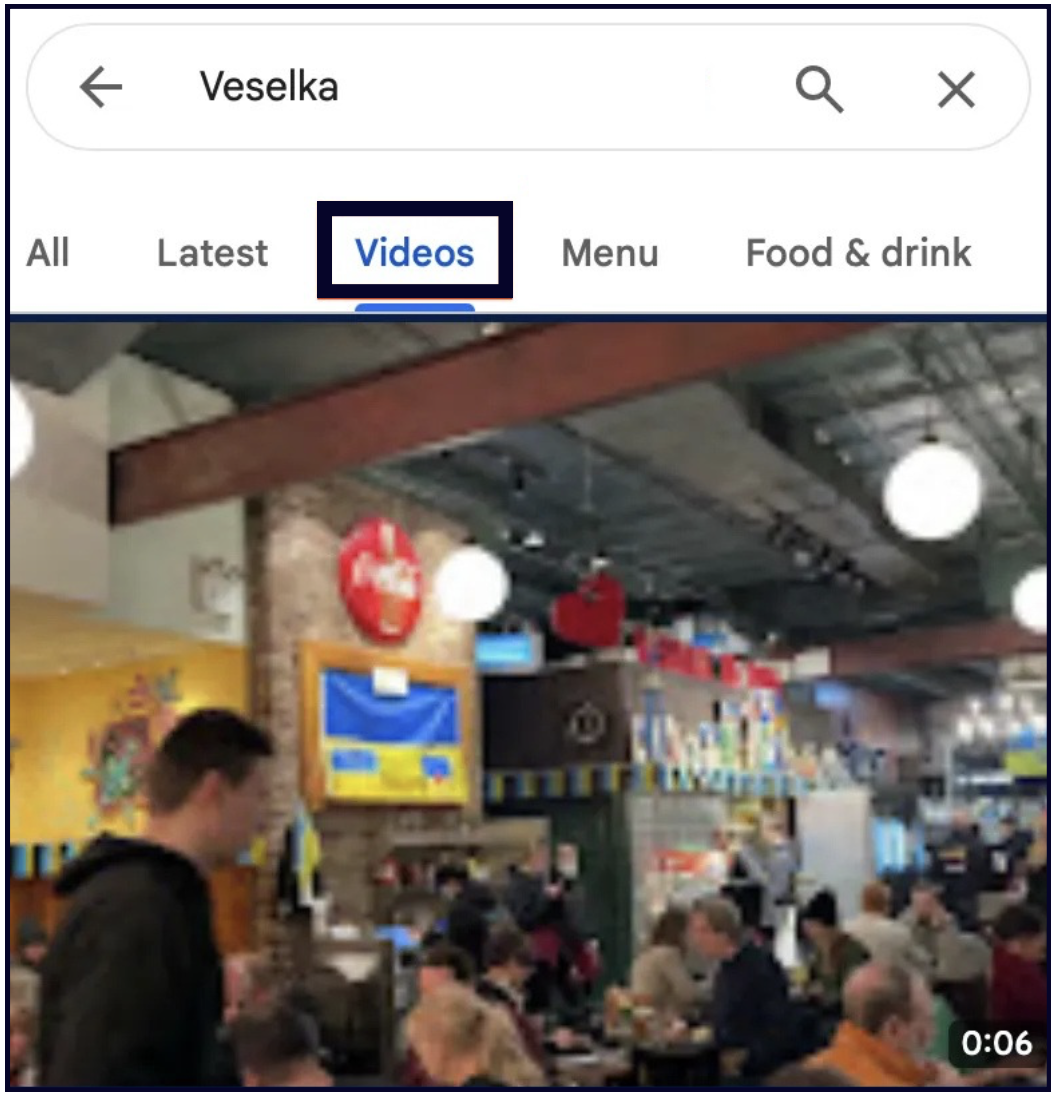
If you’re just starting out with videos, keep it simple. For example:
You need to continuously monitor your Profile for any customer-uploaded photos and videos that are inappropriate and/or an inaccurate representation of your business. You cannot prevent users from uploading photos to your Google Business Profile, but you can flag and request the removal of customer photos if they violate Google Maps photo policies or Google’s content policy.


Whitespark provides powerful software and expert services to help businesses and agencies drive more leads through local search.
Founded in 2005 in Edmonton, Alberta, Canada, we initially offered web design and SEO services to local businesses. While we still work closely with many clients locally, we have successfully grown over the past 20 years to support over 100,000 enterprises, agencies, and small businesses globally with our cutting-edge software and services.