🤓 The 2026 Local Search Ranking Factors are here!! Check out the report!

🤓 The 2026 Local Search Ranking Factors are here!! Check out the report!

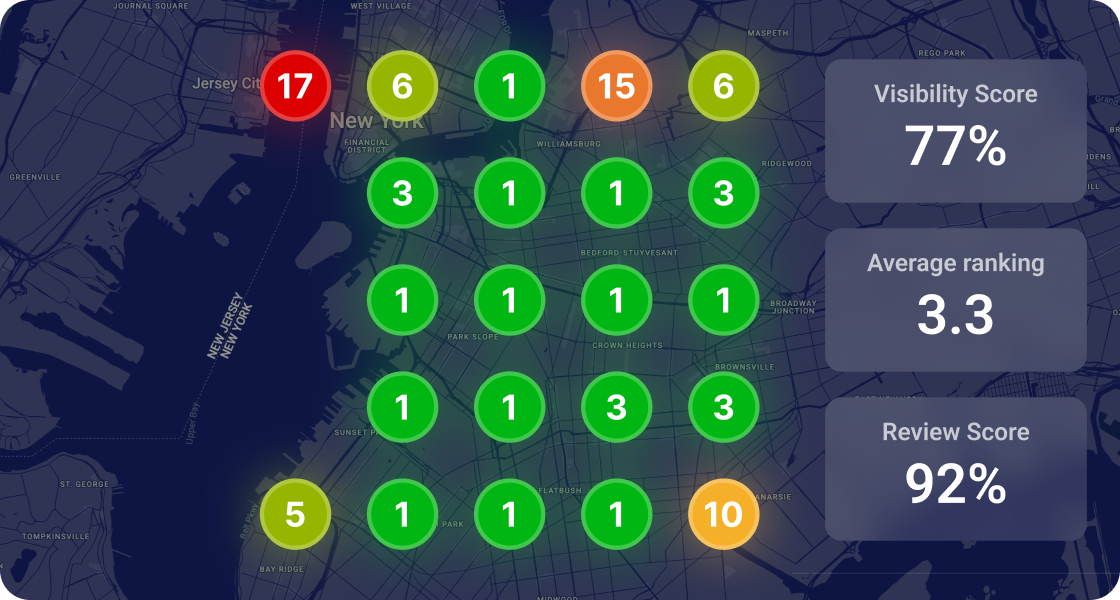

To create a new Google Business Profile go to business.google.com/create and typing in your full business name.
Don’t rush – go slow here – this is your chance to make sure that a business listing doesn’t already exist. You don’t want to end up with a duplicate! If there already exists a business listing with that name Google will show this in the drop down and you’ll have the chance to claim that listing.
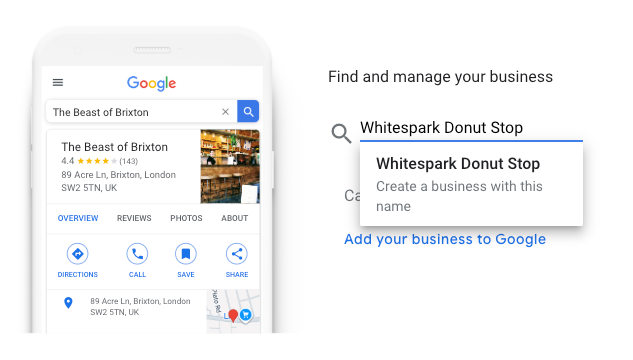
If Google doesn’t ‘see’ an existing business listing for the business name you’re adding click on the ‘create a business with this name’ message and go ahead and set up the listing.
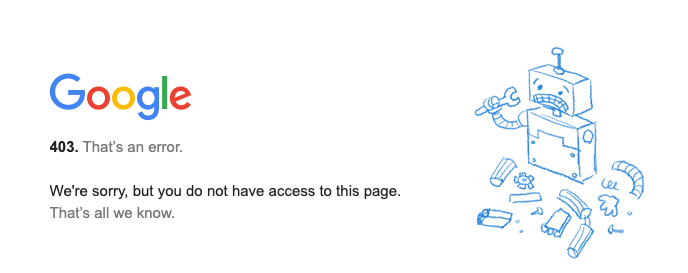
NB If you’re using an agency account you’ll get an error when you visit https://business.google.com/create – agency accounts can’t create listings.
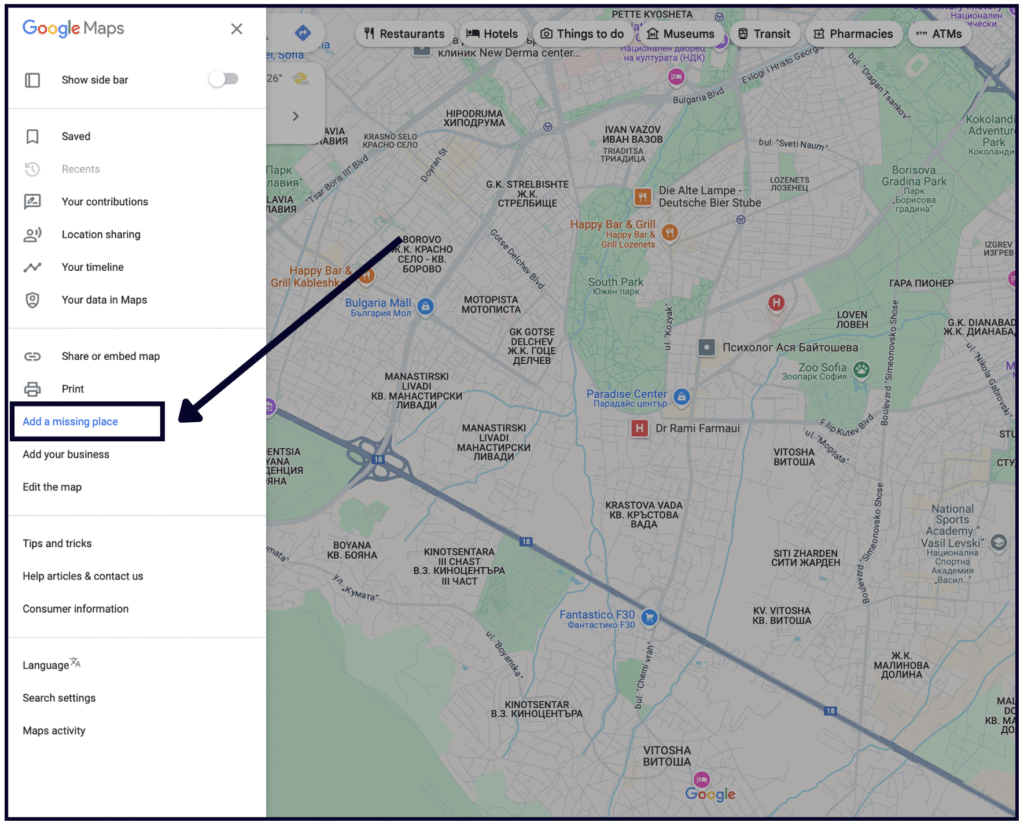
Google doesn’t show service area businesses in their drop down, so if you’re looking to check to see if a service area business has a listing on maps before you create a new profile you’ll need to check on Google Maps first.
If you want to claim or get an access to a Google Business Profile that already exists, and is showing in the drop down at https://business.google.com/create click on the name of the business and Google will show you next steps.
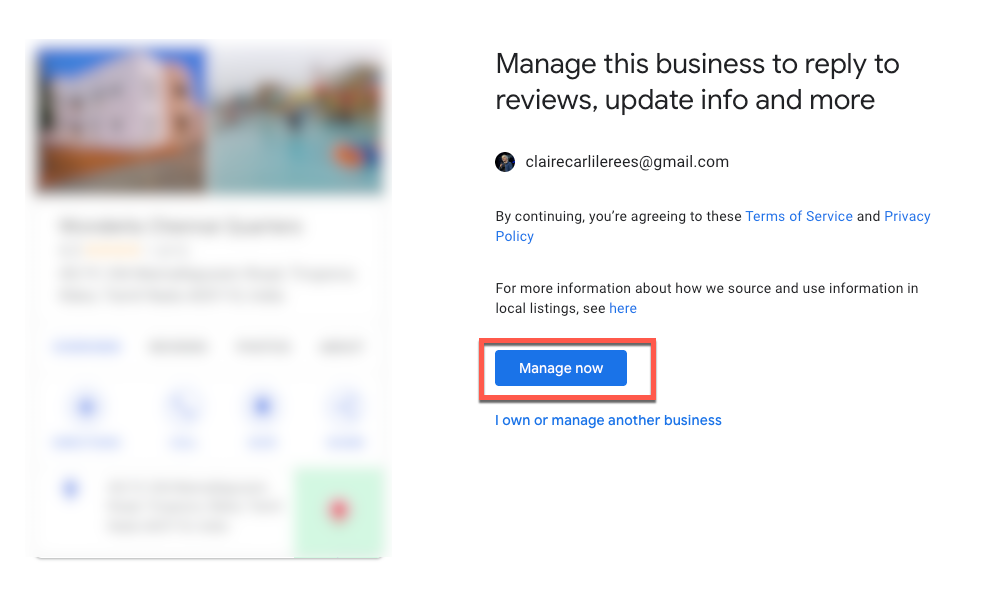
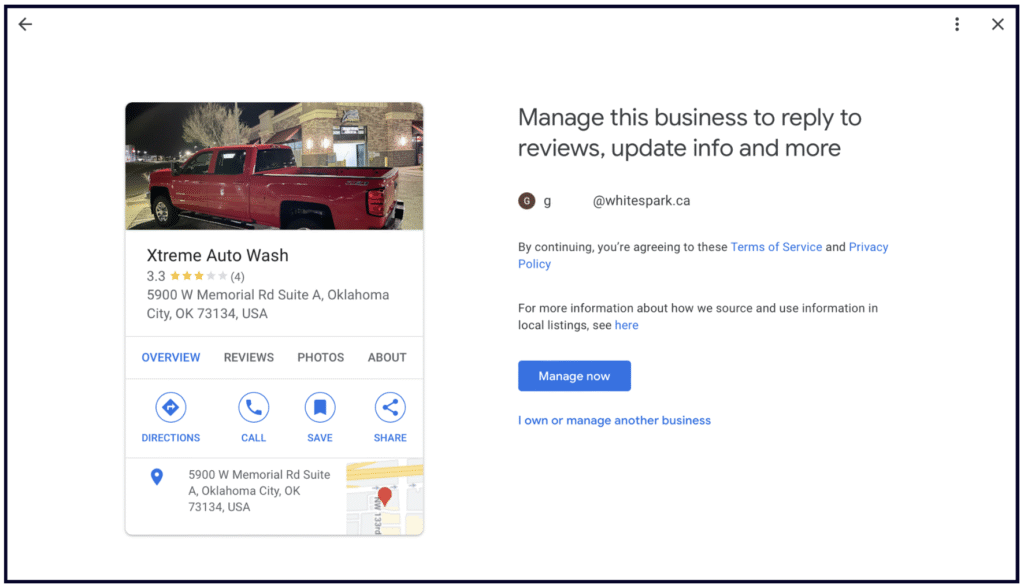
If the business HAS NOT been claimed Google will show you a message like the below. Click on ‘manage now’
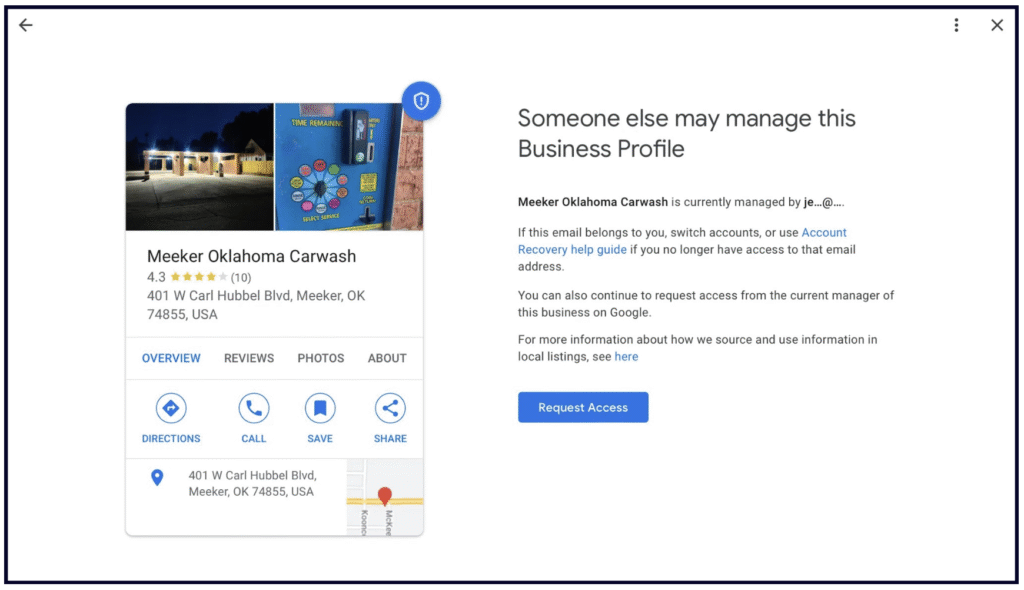
If the profile is already managed by someone you’ll see a message like the one below
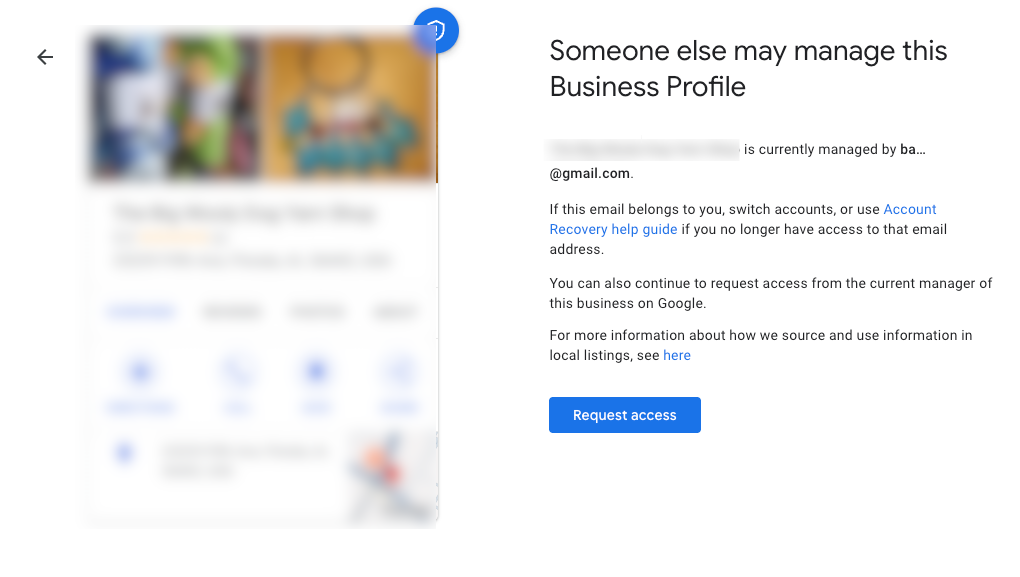
This will give you a clue as to the email address that manages that listing – it could well be an email that you recognise and potentially have access to.
When you click ‘request access’ Google will email both you, as the requester of access, and also the account that is the owner of the listing. The owner has three days to respond. To check the status of your request you can click the link in the email that Google sent to you.
If your request is approved you’ll get another email from Google to let you know. If your request is denied you’ll also get an email, with the option to appeal the decision.
If you don’t get a response after three days you may have the option to claim the profile – open the confirmation email that you got about your ownership request – select ‘view request’ and then select ‘verify’.
If the business you are looking for is a service area business it won’t appear in the drop down, nor will ‘claim this business’ appear on Google Maps. The official stance by Google here is that you need to use the get help form, In the ‘Tell us what we can help with’ field, enter Transfer ownership of listing, and then when you submit your request, select Transfer ownership of listing as the issue description.
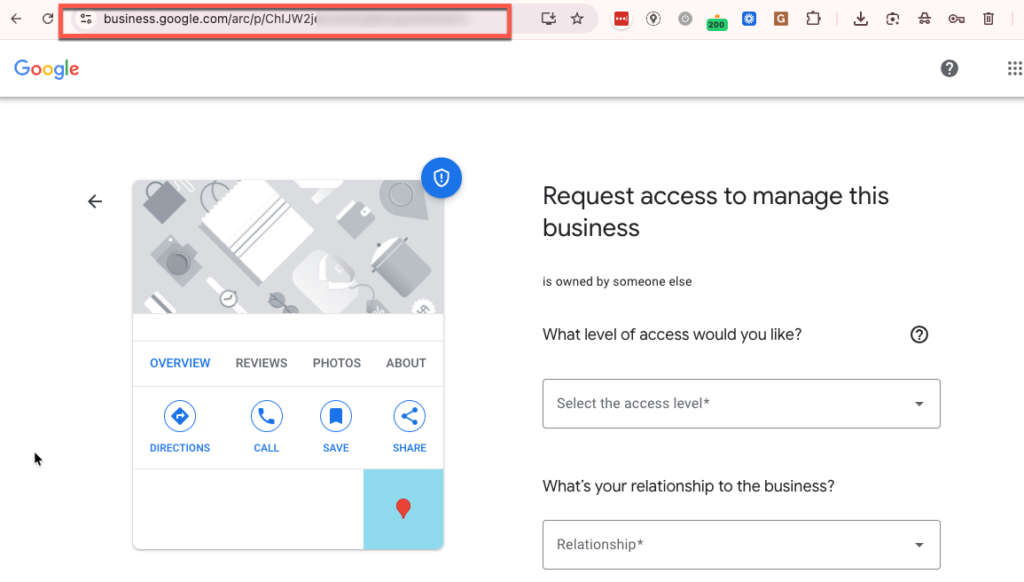
A shortcut ‘hack’ for claiming or gaining access to a service area business is to find the Place ID of the existing listing on Google Maps and then go to this link to claim the profile https://business.google.com/arc/p/[paste the PLACE ID here]
To be clear, you don’t have to verify your Profile in order to show up in the local search results. However, a verified Profile grants you access to all its features.
If your Profile is unverified, you will not be able to add Google Posts, a direct booking button, Products, or Services, and you won’t be able to respond to reviews. What’s worse, you won’t be able to fix any incorrect information about your business.
This is why we recommend that every business verifies their GBP.
Unfortunately, the most common verification method Google provides these days is video verification, which is universally dreaded. If you need help with this method, check out our detailed guide on how to get through GBP video verification.
Other (more rare) verification methods include:
💡 There is a way to avoid the headache of video verification, but you’ll have to do some work beforehand:
1. Make a website for your business (or add a new location page), and ensure it has your NAP info listed in the footer of every page.
2. Connect the website to Search Console and Google Analytics (GA4).
3. Build citations on all the key sites Google looks at to validate your business information: Facebook, BBB, industry-specific sites, data aggregators, social profiles.
4. Wait a few weeks for Google to find and index those citations.
5. Using a Google account that will not be a manager of the Google Business Profile, go to Google Maps and add a business as a regular Google user (not through the GBP interface). Even better, if you know someone with “Local Guide” status, ask them to do this for you.
6. Get a few reviews on the newly created Profile over the course of a couple of weeks.
7. Finally, claim the Google Business Profile, using the same email you used to connect GA4 and Search Console.
If all goes well, you will get instant, phone, text, or email verification.
If you see a blue checkmark next to your business’s profile picture in the NMX, that means that you have successfully verified your Profile.
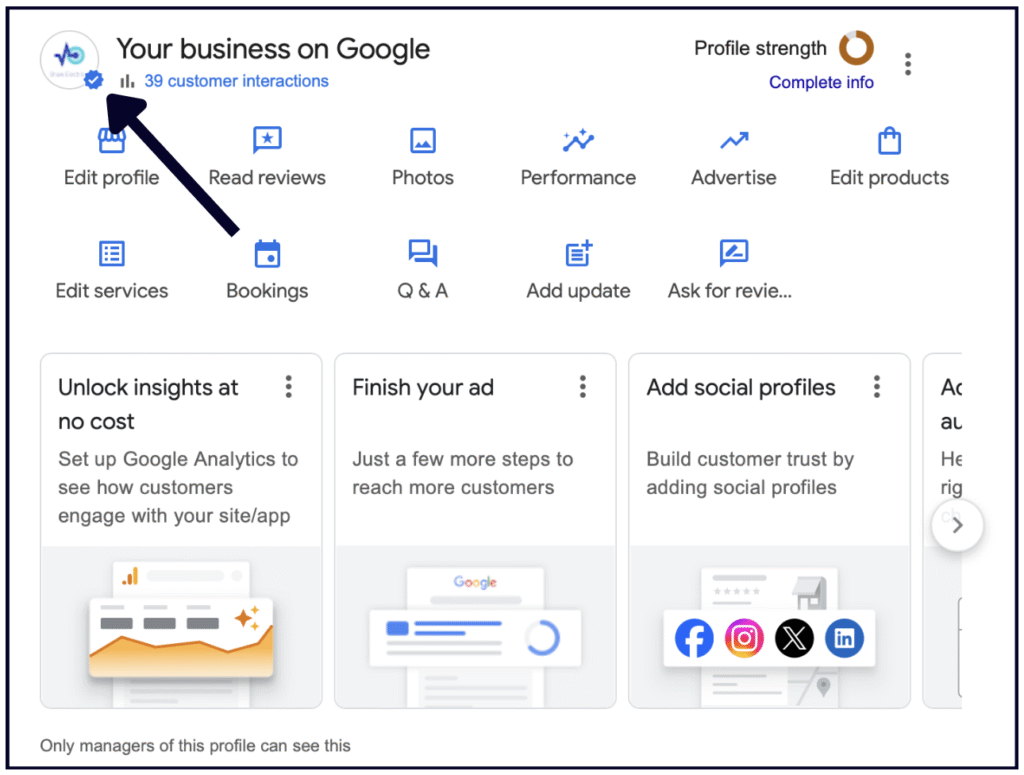
If you see an exclamation point, it means that you need to verify or reverify.

You can also see the status of your Profile(s) by going to https://business.google.com/locations
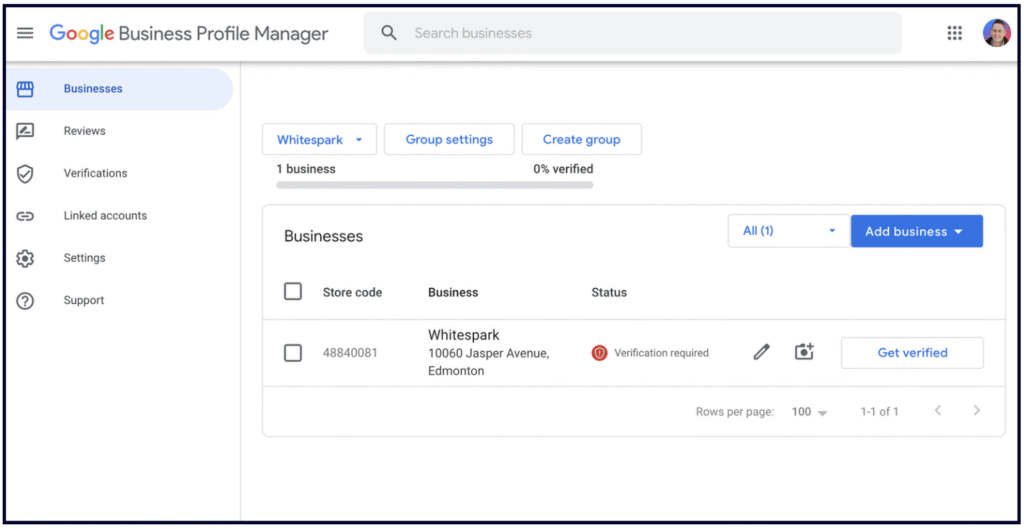
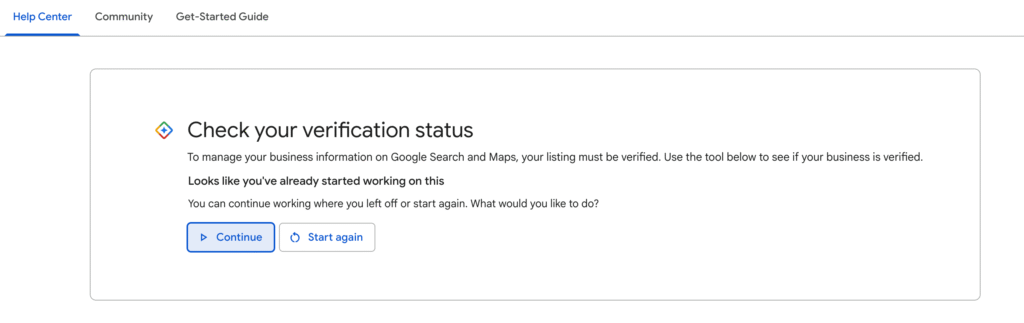
and by using Google’s verification tool here – https://support.google.com/business/workflow/12825603
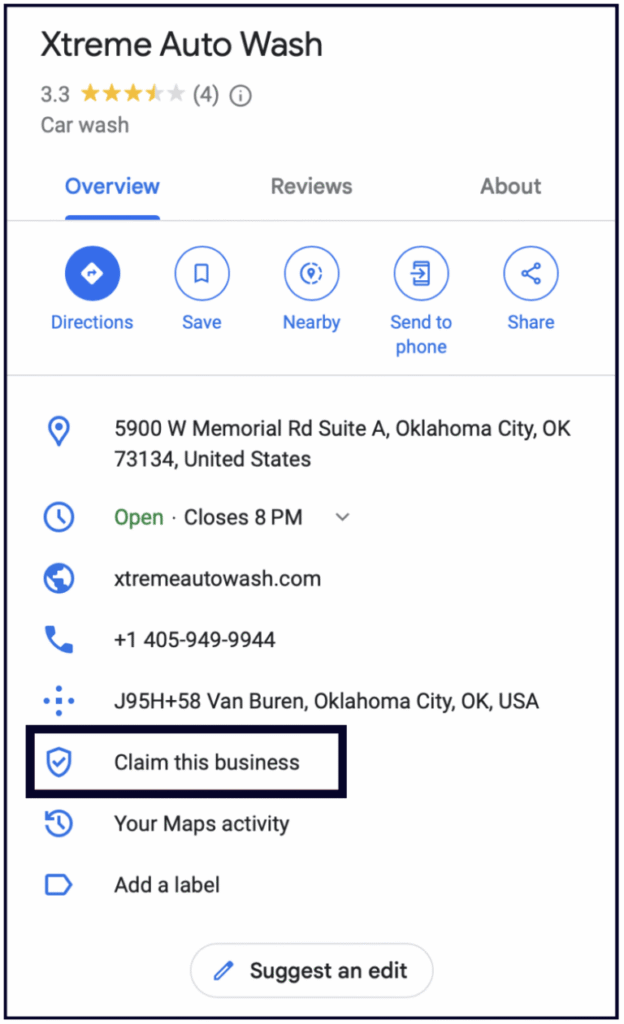
1. Search for your business on Google Maps (must be Maps) and see if the the profile has a “Claim this business” button.
If it doesn’t, then the GBP has been claimed by someone else.
If it does, you can click on “Claim this business” and begin the process of claiming your Profile.
2. Search for your business and address on Google and check if the knowledge panel says “Own this business?”
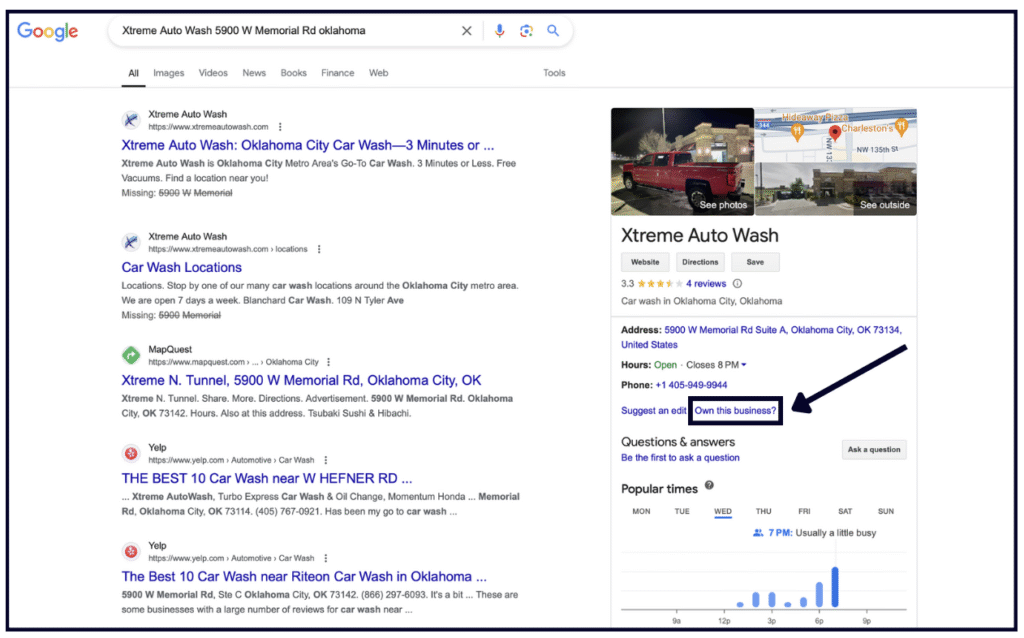
If no one has claimed the GBP, Google will prompt you to claim and verify the Profile.
However, if someone else has already claimed the Profile, you will have to request access from that person.
To request ownership of an existing Profile, click the “Request Access” button and follow the steps.

Whitespark provides powerful software and expert services to help businesses and agencies drive more leads through local search.
Founded in 2005 in Edmonton, Alberta, Canada, we initially offered web design and SEO services to local businesses. While we still work closely with many clients locally, we have successfully grown over the past 20 years to support over 100,000 enterprises, agencies, and small businesses globally with our cutting-edge software and services.