
🤓 The 2026 Local Search Ranking Factors are here!! Check out the report!

Google Business Profile is a free tool that allows business owners to engage with customers and potential customers on Google.
With a Google Business Profile, you can easily represent your business on Google and connect with searchers across Google Search and Maps.
The platform’s history is a long-winding road of rebrands that reflects Google’s evolving strategy for local search. It first launched in March 2004 as Google Local, essentially a digital replacement for the Yellow Pages, before being integrated into the newly launched Google Maps in 2005 as the Google Local Business Center.
Over the next decade, the tool underwent several identity shifts to align with Google’s other projects, appearing as Google Places (2009), then merging with social efforts to become Google+ Local (2012), and briefly Google Places for Business.
In June 2014, Google sought to simplify the experience by consolidating these features under the name Google My Business (GMB), a title it held for seven years until it was officially rebranded to its current name, Google Business Profile (GBP), in late 2021. Read this Near Media article for the full historical timeline.
Find out about what Google has to say about Google Business Profiles here: https://business.google.com/en-all/business-profile/
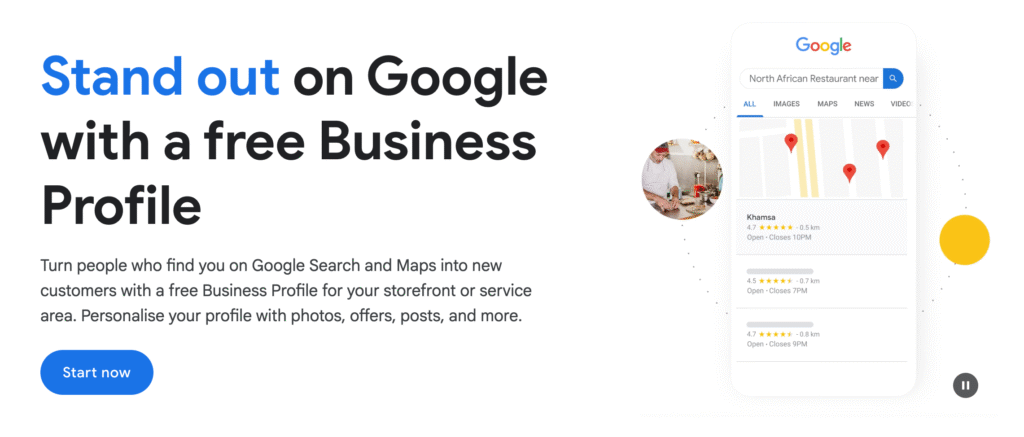
Setting up your profile costs nothing but time, making it one of the most cost-effective ways to grow your bottom line.
However, there is a “hidden” cost: because it’s a free tool, official support from Google can often be, shall we say, lacking. To avoid the headache of a “suspended” account or a rejected listing, you need to be proactive. Make sure that your business is eligible for a listing, that it stays within the guidelines, and keep supporting official documentation (like utility bills and business licenses) ready in case you ever need to fight a suspension.
We’ll dive deeper into how to handle these hurdles in the Troubleshooting section of this guide.
The details you add to your profile – along with third-party info like customer reviews – pop up in various ways across different devices and platforms.
The most important thing to remember? Google “chops and changes” exactly what information it shows, and how it formats it, all the time. Instead of obsessing over the exact layout, focus on the big picture: every bit of data you provide feeds Google’s understanding of your business entity. The more useful and accurate your information is, the better Google can represent you.
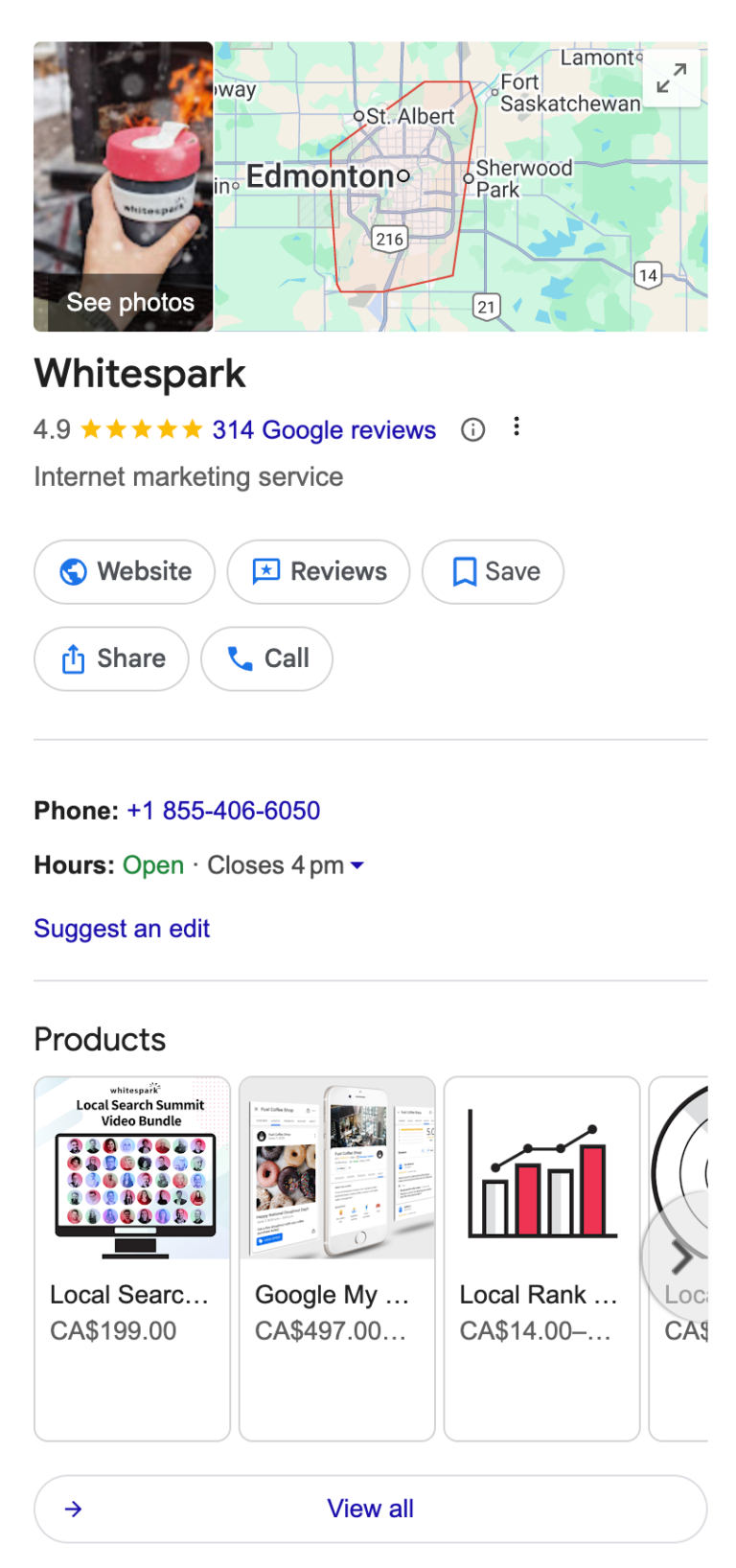
When someone searches specifically for your business name, your Google Business Profile will often take centre stage. A dedicated information box (the ‘Local Knowledge Panel’) appears to the right of the search results (on a desktop). On a mobile device the fields that show in the Local Knowledge Panel can vary to that which shows on a desktop, and these fields are often broken up by other search features. The Local Knowledge panel will often draw information from your Google Business Profile, your website, and other third party sources such as maps users, third part review sites, and sometimes influential websites like Wikipedia.
When someone searches specifically for your business name, your Google Business Profile will often take center stage. On a desktop, a dedicated information box – known as the Local Knowledge Panel – appears to the right of the search results.
On a mobile device, the experience is a bit different; the fields within the panel can vary from the desktop version and are often interspersed with other search features. Regardless of the device, the Knowledge Panel acts as a digital billboard, drawing information from:
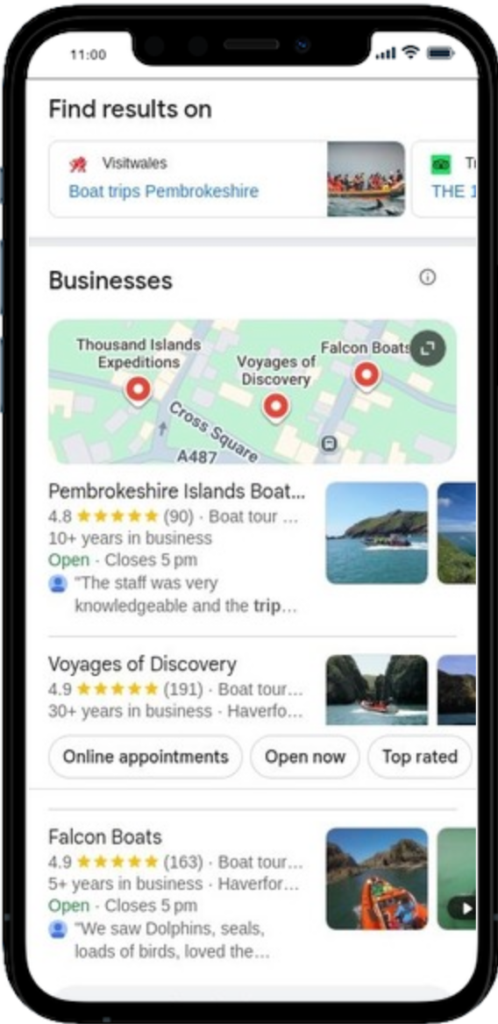
When users search for a specific type of local business (think “coffee shop near me” or “plumber in Edmonton”), Google serves up the Local Pack.
The Local Pack typically showcases a top ranking list of businesses. The vast majority of the data shown there is pulled directly from each company’s Google Business Profile. If you want to show up in this prime real estate, your GBP needs to be in top-tier shape.
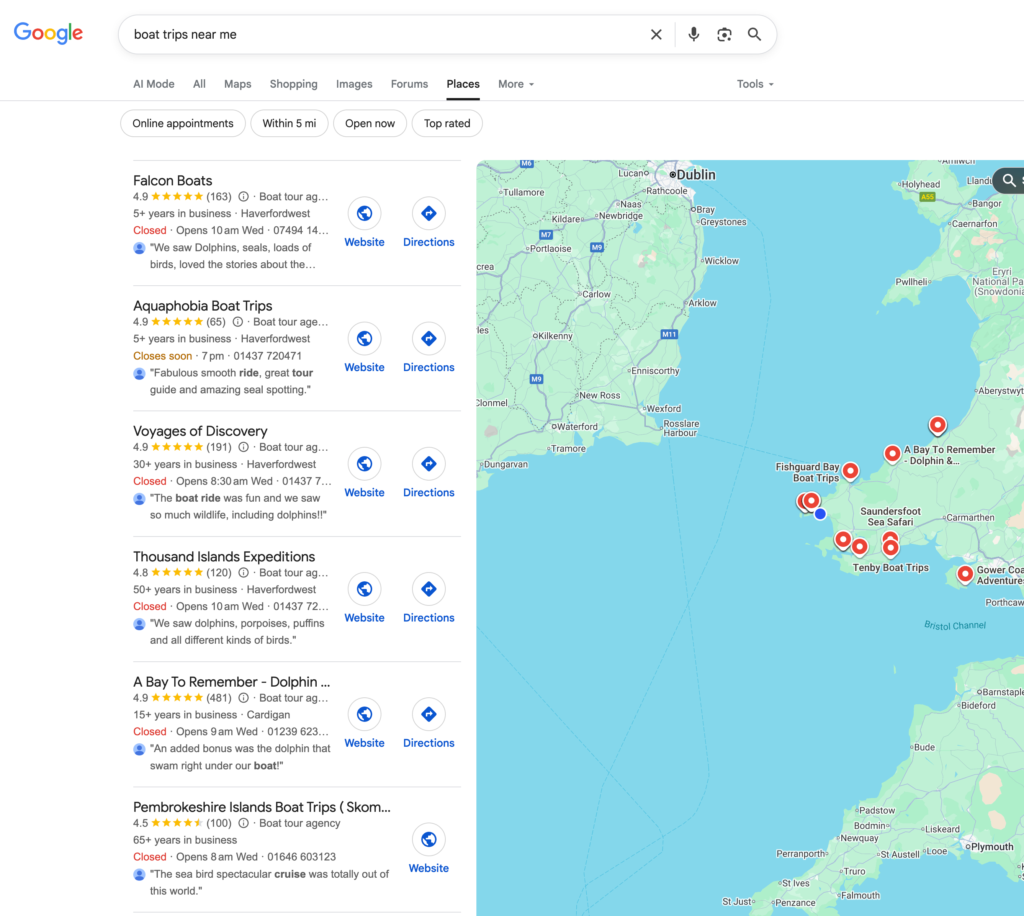
If a user wants more options, they can click “More businesses” or “More places” at the bottom of the Local Pack. This opens up the Local Finder, an expanded list of local businesses paired with a map.
Just a heads-up: while it looks very similar, the Local Finder is actually a different feature than the standalone Google Maps.
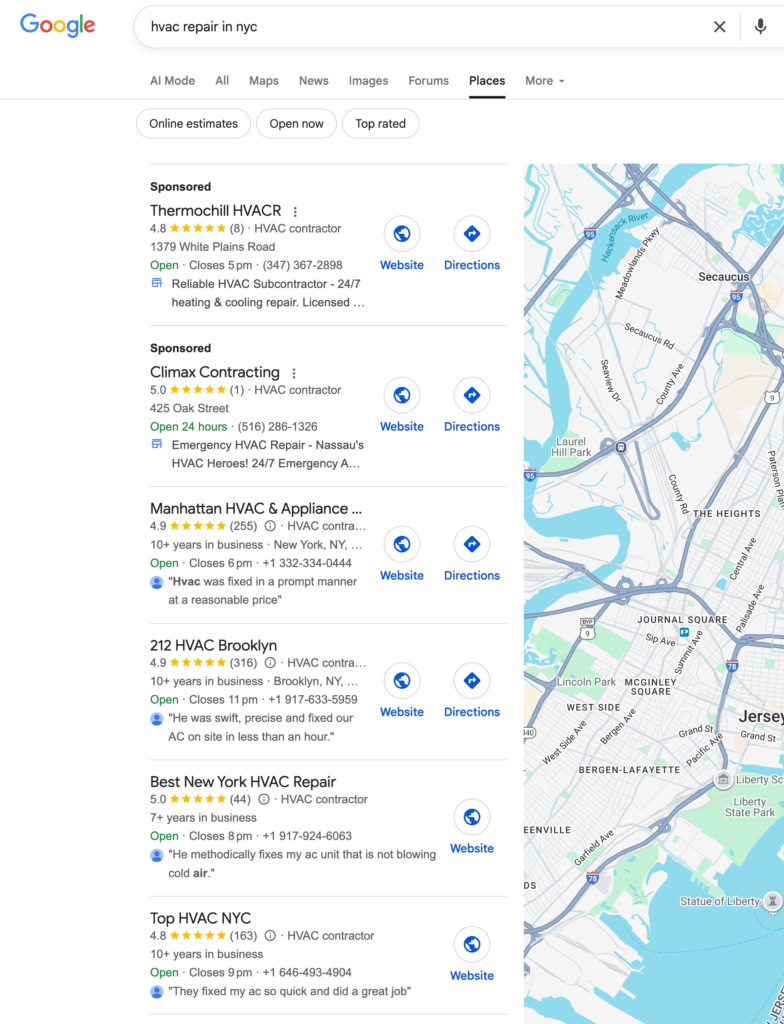
The Local Service Finder looks a lot like the Local Finder – except Google rolls this SERP out for service type queries such as ‘HVAC repair near me’. The top spots are usually taken up with businesses that are running Local Service Ads.
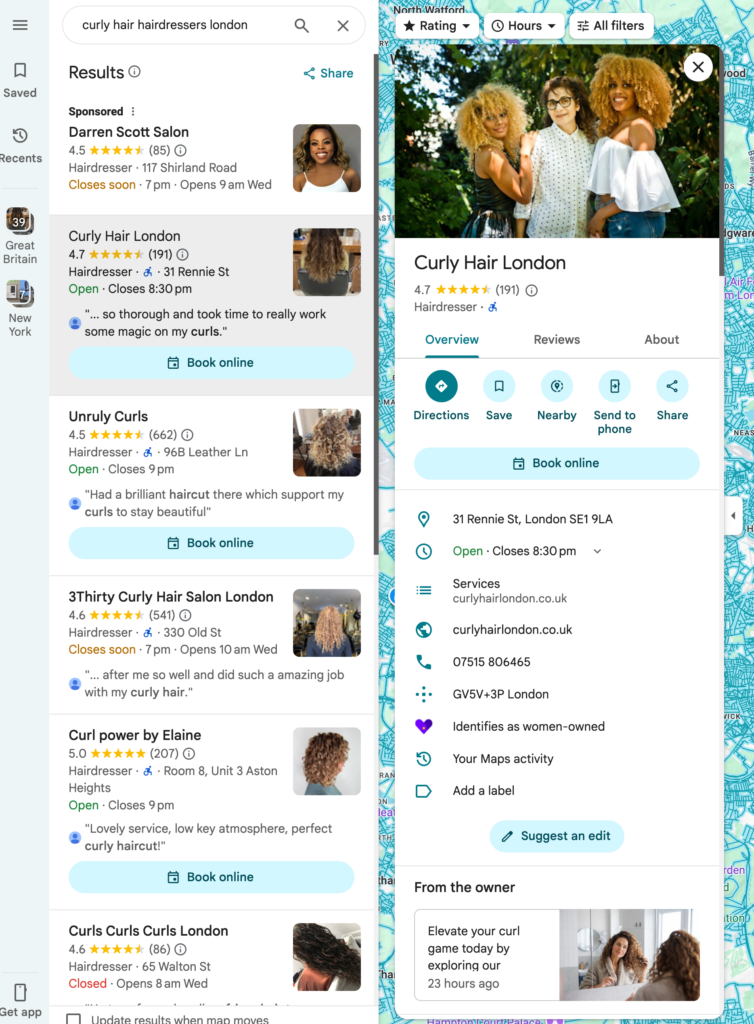
You’ll find Google Business Profile profiles in the Google Maps app and also Google Maps on a desktop.


Whitespark provides powerful software and expert services to help businesses and agencies drive more leads through local search.
Founded in 2005 in Edmonton, Alberta, Canada, we initially offered web design and SEO services to local businesses. While we still work closely with many clients locally, we have successfully grown over the past 20 years to support over 100,000 enterprises, agencies, and small businesses globally with our cutting-edge software and services.