
🤓 The 2026 Local Search Ranking Factors are here!! Check out the report!

When you’re managing multiple Google Business Profiles you have a few options – as you’re likely going to want to move beyond editing and managing on a one profile to one profile basis via the NMX.
Managing Google Business Profiles (GBP) in bulk generally requires moving away from the standard Google Search/Maps “in-line” editing experience and using specialised dashboards or external tools.
This is Google’s built in, free, method for managing multiple locations. It uses a feature called ‘location groups’. If you’re managing multiple locations for your business or for a client, you’ve already get your set up, right?
You can read Google’s guidance on Location Groups here.
Once you have created your group you can manage *many* fields (but not all) by downloading the profile data, making your updates and then uploading the new file into Google Business Profile.
You won’t be able to edit these fields or add these functions:
However – you can easily edit name, address, phone number using this method. As always – be careful of making big changes because these can trigger suspensions. I recommend reading our guide to unverified, disabled and suspended profiles.
Google outlines the full process for importing and updating Google Business Profiles in bulk using location groups here.
TOP TIP: Store codes are essential here – you can’t update your profiles in bulk unless each location has a unique store code.
If you plan on managing more than 10 Google Business Profiles, you should also know about Google’s bulk verification. You can check their complete documentation for all the details, but we’ll provide you with the basics here.
Keep in mind that bulk verification is only for businesses with brick and mortar locations, NOT for pure service area businesses. If you’re a SAB you won’t be able to get bulk verified.
There is one huge benefit to getting bulk verified: it gives you the ability to create new GBPs with instant verification. Yes – so no more video verification or other forms of verification that’ll give you a headache.
To get bulk verified, you have to meet the following requirements:
Once you’ve ensured you meet the requirements, you need to submit for verification:
Sound easy? Well – these ARE the steps but in our experience there can be some hoop jumping before you’ll get given bulk verified status. Google Business Profile support might ask for extra details and for further proof – just make sure that you answer their questions and get everything over to them as quickly as you can.
Keep in mind that it is the EMAIL that is bulk verified, rather than the location group. Make sure you keep that email as the primary owner, if you lose the email address or swap out the primary owner for a different email address you will likely lose your bulk verification.
Given the limited functionality of bulk updates via location groups for most brands or agencies managing multiple locations turn to SaaS to get things done.
Third party software connects to the Google Business Profile API and then can pull and push your Google Business Profile information in and out accordingly, and you’ll be able to manage your profiles via the SaaS dashboard.
Choosing your SaaS provider will depend on your number of locations, what you actually need the software to do, your budget, and your internal resource to actually get things done.
At this point we want to mention how we have a big bunch of happy clients who use Whitespark’s Local Platform to push their updates. Local Platform lets you edit all your locations’ hours, description, categories, services, phone numbers, etc. from one place. Agencies in particular love this feature because you don’t need to be bulk verified on Google to use it.
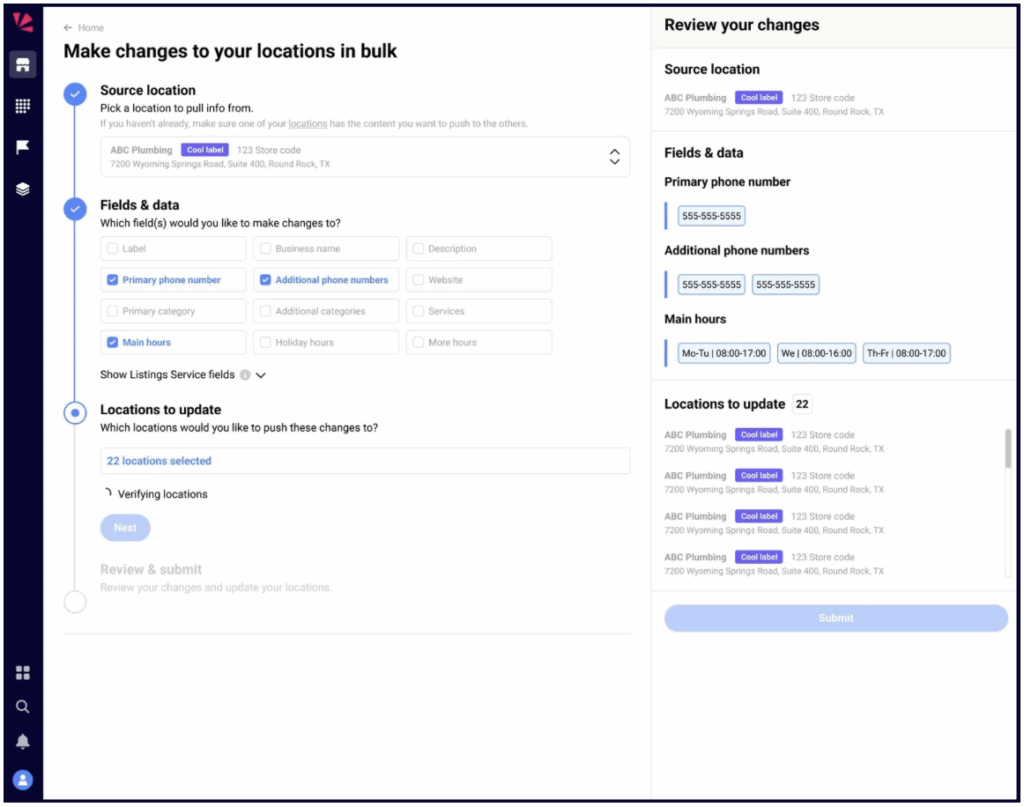
If Local Platform sounds like something you’d like, you’ll be happy to know that it only costs $1/mo, and it comes with a bunch of other GBP functions that you can learn about here.
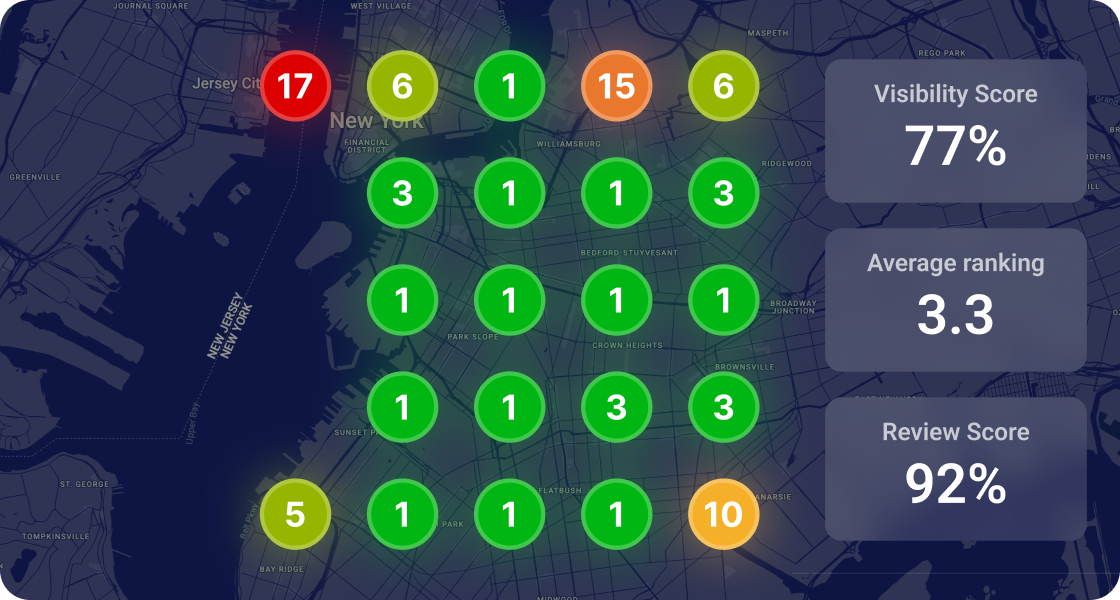


Whitespark provides powerful software and expert services to help businesses and agencies drive more leads through local search.
Founded in 2005 in Edmonton, Alberta, Canada, we initially offered web design and SEO services to local businesses. While we still work closely with many clients locally, we have successfully grown over the past 20 years to support over 100,000 enterprises, agencies, and small businesses globally with our cutting-edge software and services.