
🤓 The 2026 Local Search Ranking Factors are here!! Check out the report!

To access the settings for your Business Profile, click the three dots in the top right corner of the NMX:
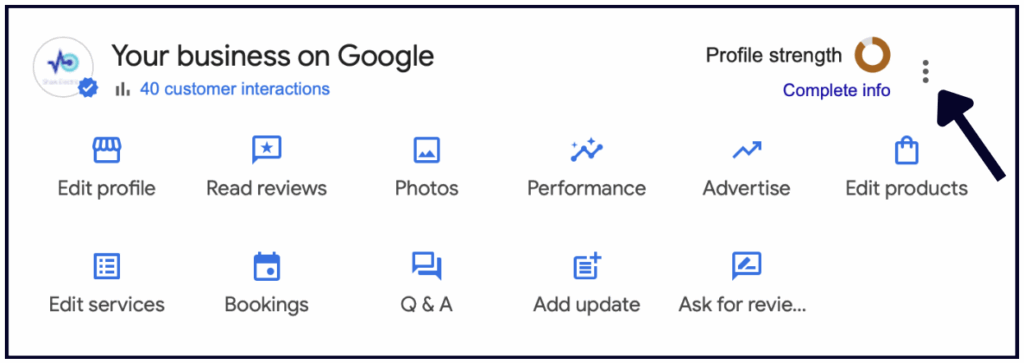
From here, you can view your Business Profile settings, Notification settings, and other Business Profiles you may own, you can add a new Business Profile, and more.
To edit your settings, click “Business Profile Settings”.
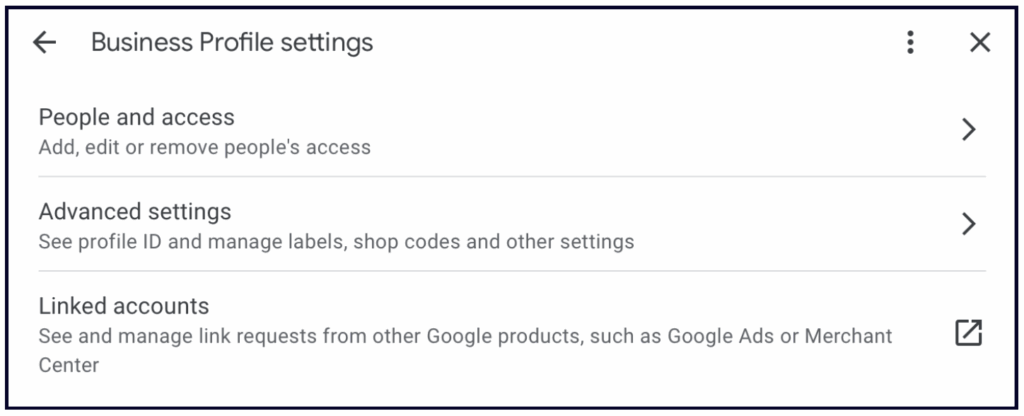
It’s important to monitor this section regularly and remove any users who aren’t actively managing your Business Profile. Having additional Owners or Managers on your Business Profile puts you at risk of accidental suspensions, inaccurate changes to your business information, or worse — someone claiming ownership who doesn’t actually own your business.
To remove a user from your Business Profile, click People and access, select the person you’d like to remove, and click “Remove person”:
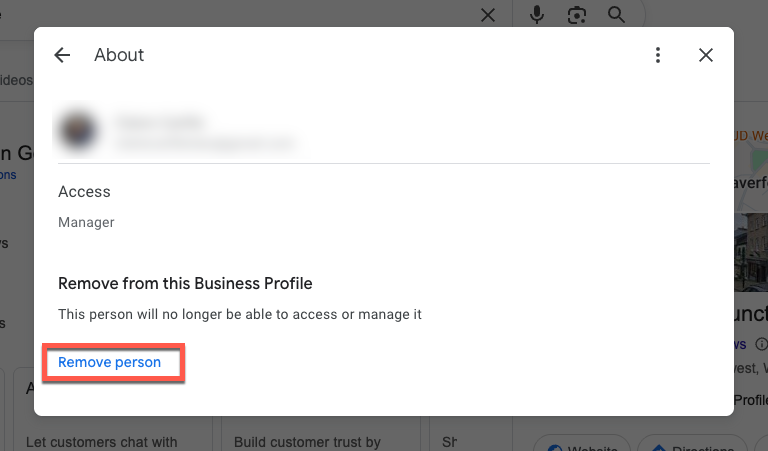
If you’ve granted access to the Google Business Profile via a Location Group (often used by agencies or organisations managing multiple profiles) you’ll do the same as above – except this time you’ll click ‘Remove location’ rather than ‘Remove person’.
To be an owner or a manager of a Google Business Profile you’ll need a Google Account. If you don’t have one this post explains how to set one up.
When you grant access you’ll need to choose a management role and level of access that you’d like that person to have:
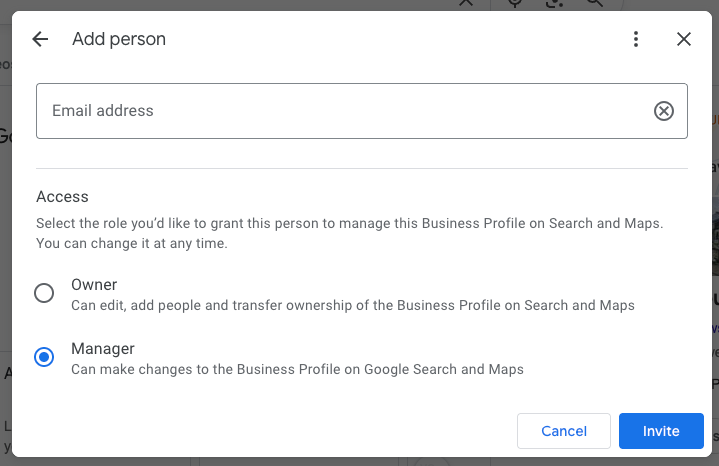
Different management roles have varying levels of access, whether you are added as an individual user or manage the profile through a Location Group:
| Role | Key Permissions | Important Limitations |
|---|---|---|
| Primary Owner | The highest level of access. Can do everything, including: | There can only be one Primary Owner per profile. |
| * Add/remove all other users (Owners, Managers). | ||
| * Transfer Primary Ownership to another Owner. | ||
| * Delete the Business Profile. | ||
| Owner | The same permissions as the Primary Owner, except: | Cannot remove the Primary Owner. |
| * Add/remove other users (except the Primary Owner). | Cannot delete the profile if there is a Primary Owner. | |
| * Full editing rights to the profile. | ||
| Manager | Full management rights for the profile’s content: | Cannot add or remove users. |
| * Edit all business information (name, address, hours, etc.). | Cannot delete the Business Profile. | |
| * Create and manage Posts. | ||
| * Respond to reviews and Q&As. |
Key Considerations for allocating access:
Read more about what Google has to say on managing your Google Business profile owners and managers
When you become a profile owner or manager, you have to wait seven days before you can manage some profile features. During that time, you’ll get an error if you try to:
Since you’re already on top of having the ultimate optimized Business Profile, let’s take it further by adding advanced info to stay organized.
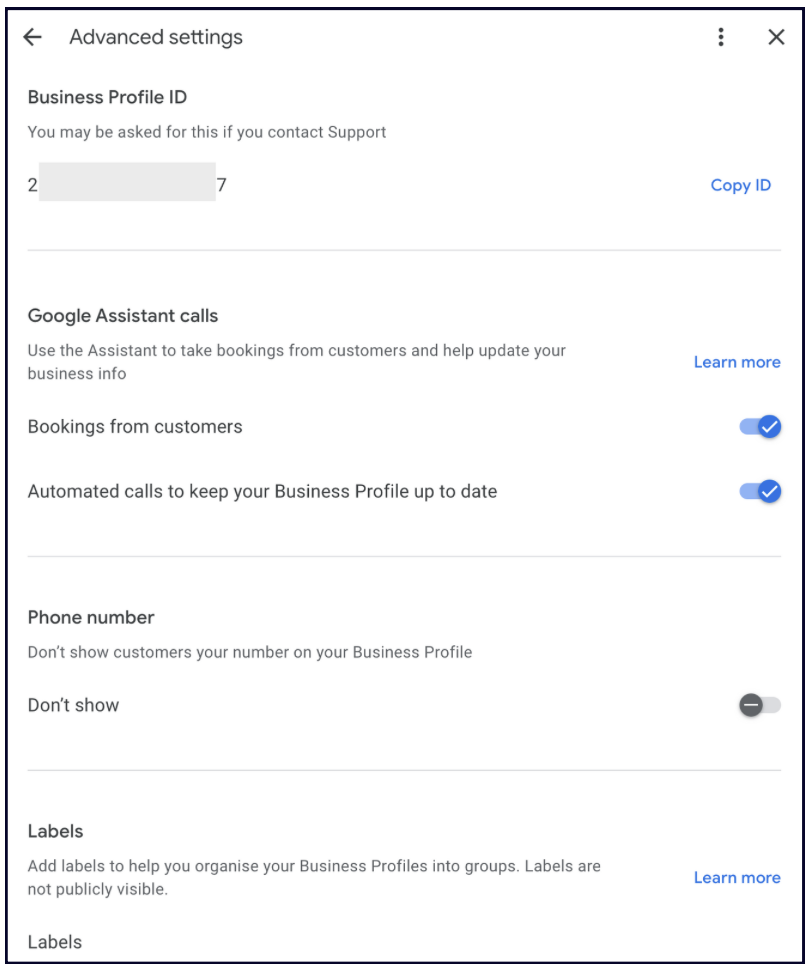
We recommend you review this section to ensure it’s set up according to your preferences, and keep a record of things like your Business Profile ID and store code. If you ever have problems with your GBP (such as a suspension), Google Support will ask for your Business Profile ID.
Google Assistant makes phone calls on behalf of searchers for booking a reservation, an appointment, or confirming business information (i.e. store hours) on a GBP.
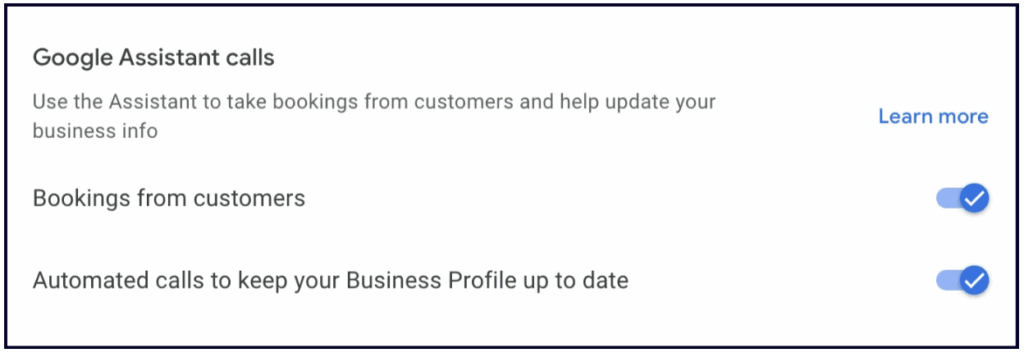
Google Assistant also calls your business using an automated voice-calling technology and asks questions and confirms information based on the customer’s request.
Google Assistant Calls are turned on for all businesses by default. If you do not want this feature, you can turn it off. You’ll also have the option to opt out during any Google assistant call.
You have the option to hide your phone number if you’d rather encourage customers to reach out via your website or direct messaging. While this can help streamline your communications, use it with caution: many users find “Call” to be the most convenient way to engage with a local business. Don’t overlook the potential leads a direct line can provide.
If you’re using Ads and incorporating local ads into your marketing mix, this label will be a major help in keeping you organized in Ads. It allows you to easily sync your GBP to an Ads campaign and take advantage of the location extension for your ads. It’s meant to help multi-location businesses and agencies to seamlessly manage PPC campaigns linked to Google Business Profile.
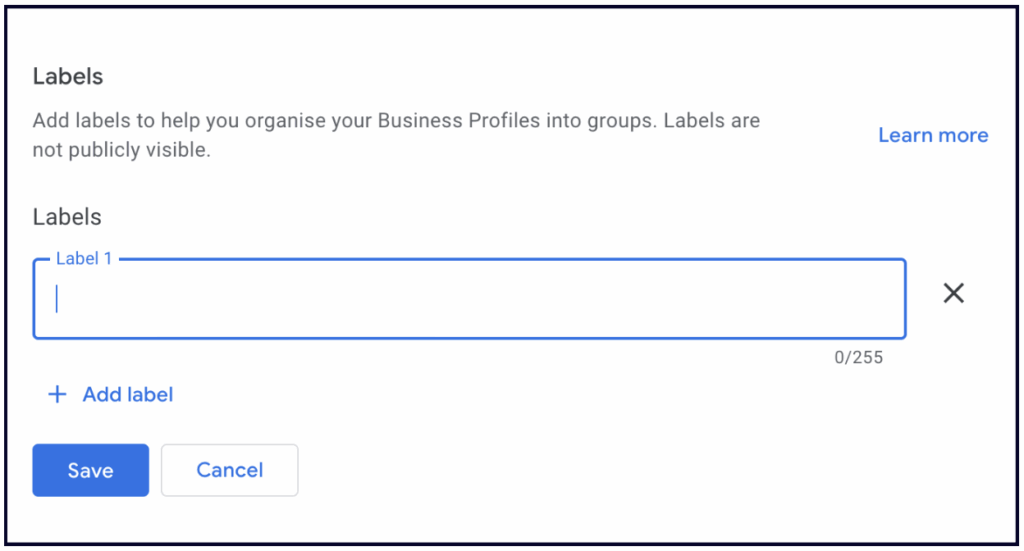
If you are a multi-location business, the store codes you create will help you stay organized and keep on top of your locations. You control how you want the code to appear. For instance, if Whitespark had 3 locations in Edmonton, we could label them:
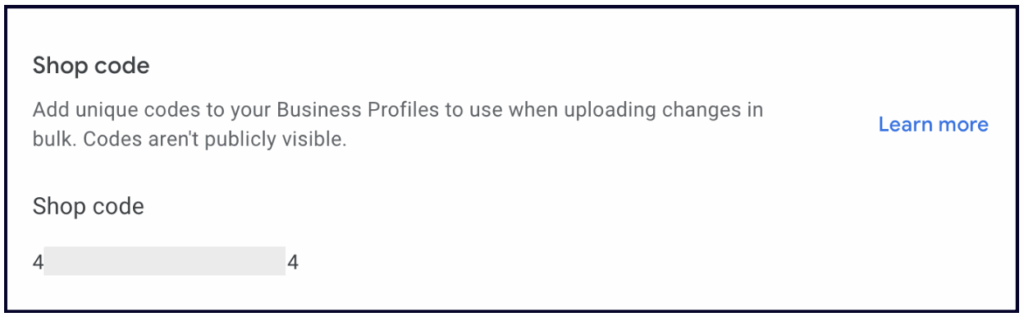
You get the picture. Decide how you want to uniquely identify your locations for ease of management. Adding keywords doesn’t do anything here; this is strictly a feature to organize all your locations.
💡Tip: Google best practices suggest that if your business moves locations, you should give it a new store code and delete the old one. Don’t recycle codes.
If you’re investing your money in Ads, then you should ensure you are tracking their success properly.
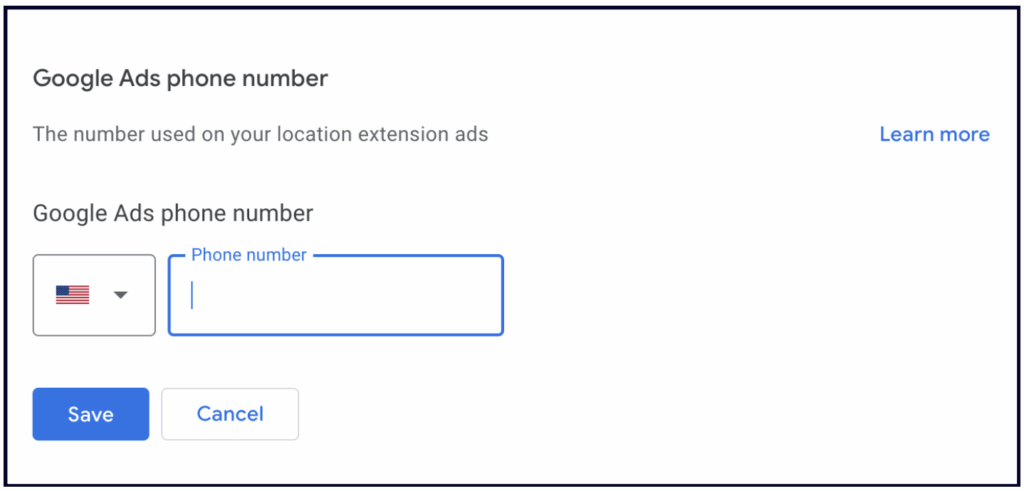
If you add a call tracking number in this field, you will know how many users contact you from your ad and be able to measure how successful your ad really is.
If you choose to leave this field empty, then Google will use your GBP’s Primary phone number.
Select the three dots and click on ‘Notifications’
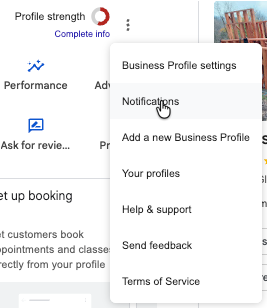
This section manages your preferences for email notifications from Google. You can toggle the following notifications to on or off:
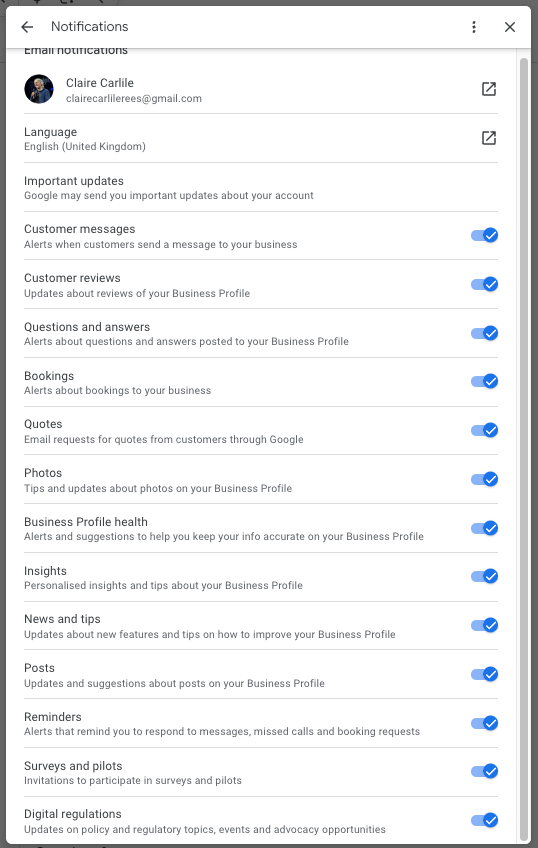
Keep in mind that these settings aren’t profile-specific. When you toggle notifications on or off, it affects all the profiles linked to your account.


Whitespark provides powerful software and expert services to help businesses and agencies drive more leads through local search.
Founded in 2005 in Edmonton, Alberta, Canada, we initially offered web design and SEO services to local businesses. While we still work closely with many clients locally, we have successfully grown over the past 20 years to support over 100,000 enterprises, agencies, and small businesses globally with our cutting-edge software and services.